


Corsair Vanguard 96 Wired Mechanical Gaming Keyboard – 96% Layout, MLX Fusion Tactile Switches, 8000Hz Polling, LCD Display, Virtual Stream Deck, G-Keys, SOCD Flashtap, QWERTY US – Black
Original price was: $179.99.$149.99Current price is: $149.99.

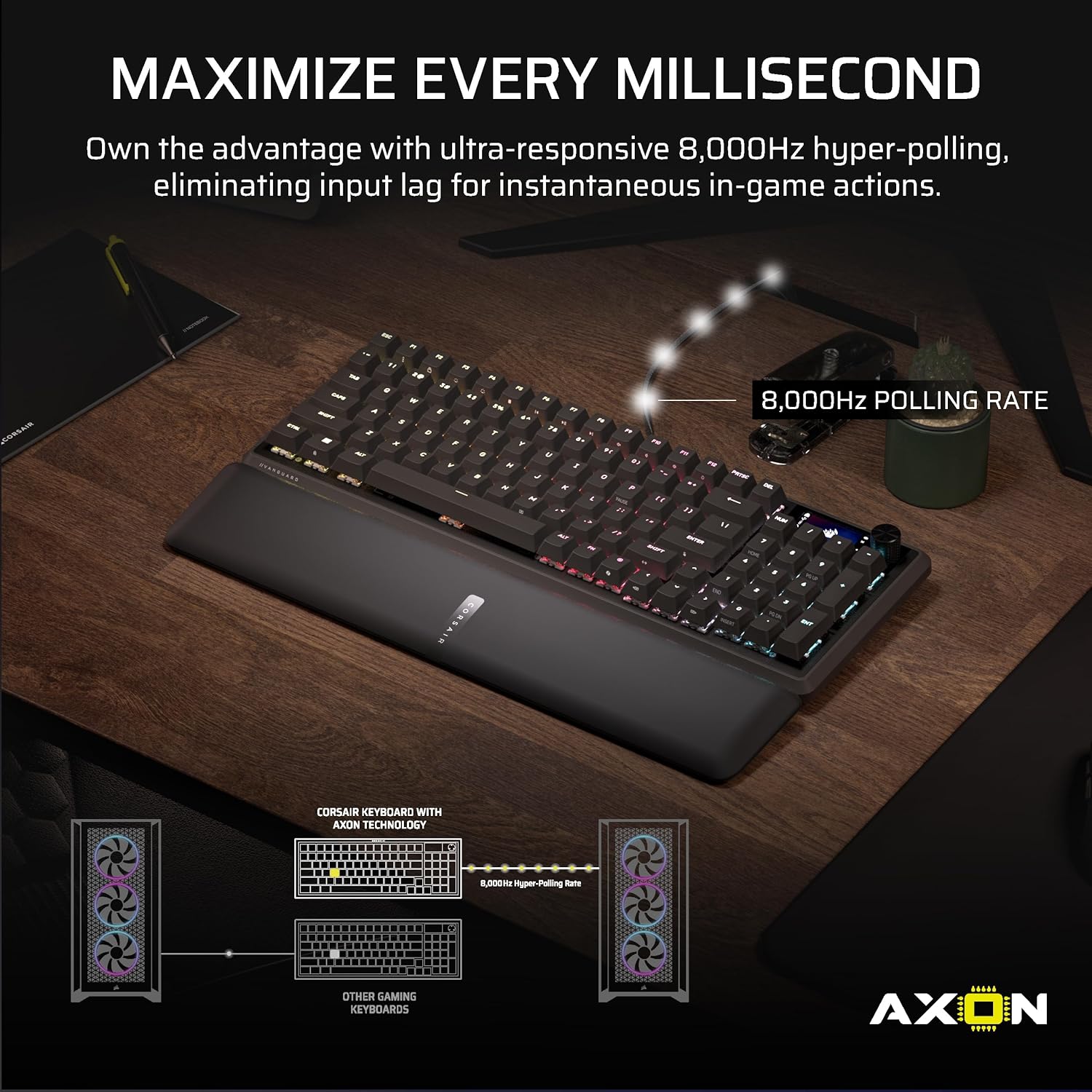


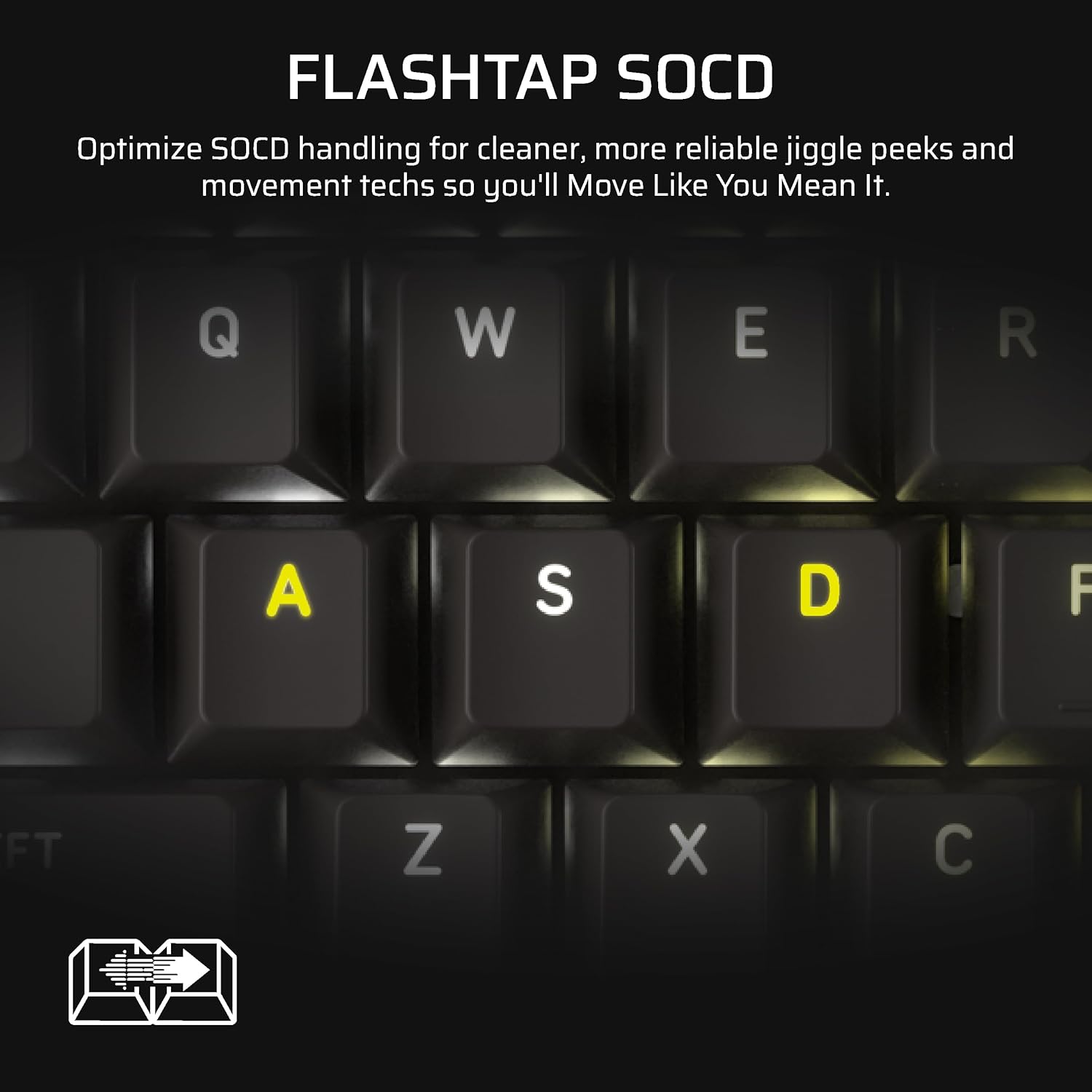
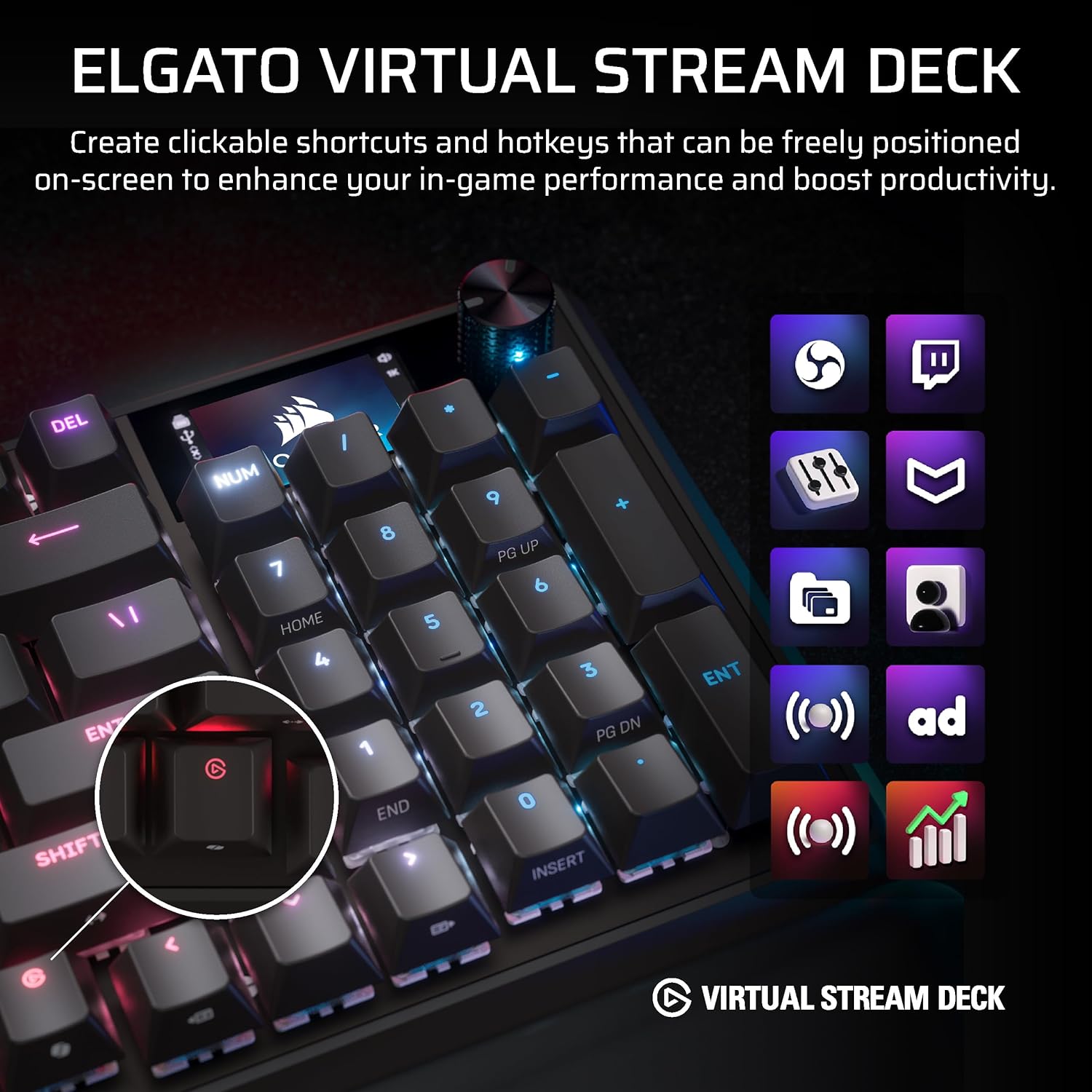


CORSAIR’s VANGUARD 96 pulls off the astonishing feat of shrinking a full keyboard with arrow keys, a tenkey pad, an LCD screen, rotary dial, and 6 programmable G-keys into a super-compact frame. Featuring wobble-free pre-lubricated CORSAIR MLX switches, it’s also hotswappable, supporting compatible 3-pin and 5-pin switches. The stunning LCD screen takes keyboard personalization to the next level with animations, stats, and game integration support. Quadlayer sound dampening provides satisfying keypress acoustics, and 8,000Hz hyper-polling delivers lightning-fast inputs. VANGUARD 96 also features Elgato Virtual Stream Deck integration, FlashTap SOCD handling, and easy customization via our web-based utility, CORSAIR Web Hub.
96% keyboard that keeps it 100: The optimized 96% layout means you’ll have full keyboard with arrow keys, a tenkey pad, an LCD screen, rotary dial, and 6 programmable G-keys, but in a super-compact frame that’s roughly the size of a TKL keyboard.
Vibrant full-color LCD screen: The keyboard of the future is here! Personalize your keyboard on a whole new level with a luminous integrated 1.9” LCD screen you can use to display custom animations, images, system specs, and more.
Maximize every millisecond: Utilize ultra-responsive 8,000Hz hyper-polling to eradicate input lag. Get the fastest response times for your in-game actions and stream commands.
Elgato Virtual Stream Deck integration: Map Stream Deck functions directly to the VANGUARD 96’s programmable G-keys and utilize Virtual Stream Deck to create clickable shortcuts. Unlock a world of new found productivity and enhanced in-game performance.
FlashTap SOCD: With CORSAIR FlashTap SOCD handling, choose how the keyboard should resolve accidental SOCD inputs so you can Move Like You Mean It.
Note: iCUE support coming soon.
13 reviews for Corsair Vanguard 96 Wired Mechanical Gaming Keyboard – 96% Layout, MLX Fusion Tactile Switches, 8000Hz Polling, LCD Display, Virtual Stream Deck, G-Keys, SOCD Flashtap, QWERTY US – Black




Justin –
Corsair
Great keyboard, love the sound and feel
Jeffrey H. –
Smooth as can be
Great keyboard just wish I could turn off the LED screen
Ofek Baba –
Nice keyboard but has some issues, hopefully temporary issues
Overall nice keyboard, but it has a keystroke chattering issue, sometime it register a key press twice, annoying, hopefully will be fixed in future firmware updates, could be a deal breaker for most users.Also it doesn’t support icue yet so I have to use the web interface which offers limited functionality compared to icue and is not that comfortable to use. I read that it is expected to be added to icue next month (February).
Johnston –
Great keyboard
Love the keyboard, the web app is just not good yet. But at least it doesn’t use memory like icue. The screen isn’t really useful, at least I haven’t found a good reason. I love the integrated stream deck, though.
me –
Is this legal theft from corsair??
Honesty, one star is to many…i feel like i was ripped off by buying this borderline unusable keyboard, while using it, it will randomly black out, meaning lights, lcd, and inputs, meaning that it cannot be used, at least not until you reset it, which of course means that you loose any and all customization and settings that you put in place, and then when you do get it back, it will spam which ever key it decids to spam, until you unplug it, and plug it back in, for the second time, buecause you need to unplug it to reset it.not to mention the way that you set it up is also a joke, why is corsair equipment, not working with icue? why did they decide the web portal is a better option? because i can assure you, IT IS NOT, its worse in every way, and gets bugged out when you do have icue open, so, in order to setup this keyboard, you first have to completely close out icue, so, hope you have on board memory on your other devices, then attempt to setup the keyboard, then open i cue again, then have the keyboard blackout, so that you need to reset it, and then do this ALL OVER AGAIN, i would not pay $20 for this keyboard.
Adam Cohen –
Great keyboard, unusable software tools.
I was looking for a replacement keyboard, and this one really screamed “YOU WANT THIS.” I have a lot of buyer’s remorse.The keyboard on its own is great. Good size, good typing feel, overall a nice piece of hardware. But you didn’t buy this for the hardware–you bought it for the LCD screen. And that…that you can’t actually use. NOWHERE on the product page is it disclosed that the keyboard doesn’t actually use iCUE and needs to use a very busted web configurator. My keyboard won’t even be recognized by the web tool, making the LCD a very expensive night light. This is otherwise a $100 keyboard, so I burned $150 on a “we’ll support it eventually, we pinky promise” feature.It’s been nearly 2 months since this keyboard was released, as far as I can tell, and there is STILL zero support for it in iCUE. The most rudimentary feature–changing the colors of the lights, can’t be used. The wild part? It supports Elgato Stream Deck commands on the G-Keys, and it shows up without issue in their software. How they haven’t actually integrated this with their core offline software, but somehow have it on web-only tool, baffles me.I’ll be honest and say this feels like they had the SD100 keyboard in the works at the same time and kept that under wraps. This was a “budget” version of that keyboard, and had I known the SD100 was coming I’d have just skipped over this junk. But here we are, a keyboard I can’t configure that cost $250. What a waste. I’ll amend my opinion I think if they bring support to iCUE, but until that moment…this is not worth your scratch.
Moses Romero –
smooth
im new to keyboards and didnt know they can feel so great. even tho i bought the refirbished one it feels amazing with its smooth taps and also has customizable lighting. havnt had any issue with it yet
Rayyan –
Feels good but has issues
I love how it feels to type on and the sound is nice, wrist rest is comfy too but the web hub is slow and with the current firmware sometimes when I boot my pc up the keyboard is bricked and I have to force reset the keyboard. Also wish I could turn off/turn down the brightness of the screen.
Suzy –
I am really enjoying using this keyboard for my work from home set up. So while I cannot speak to the gaming element it is designed for, I can see how the keyboard has many functions built in which are designed to enhance the gaming experience. There is a high level of customisability to this keyboard if you are technically minded to download the extra software and the keyboard comes with a tool for removing/replacing keys. The extra function keys on the side (apart from the one that runs game mode on/off and changes the backlight colour) are beyond my ken.Despite my ignorance I have however enjoyed using this keyboard for simple typing and use of the command keys. I love the backlit rainbow and (being gen X) much prefer the feel and sound of mechanical keys. This keyboard manages to be much more compact than my old one yet has a full size number pad. The only thing I cannot work out yet is how to use the end key which is an alternate function to the 1 on the number pad but I will end up googling the answer.The keyboard is corded both for connection to the computer and power to the keyboard. I will admit it took me about ten minutes turning it over and over before I found the USB C port in the underside of the case – it is really only visible from a certain angle. Once I found it though I noticed that from the port the cord could be tucked into a channel in the case so it stays tidy underneath. There are fold out feet one each side at the rear so I can have the keyboard at a comfortable angle.I am very much appreciating the separate wrist pad that attached to the front of the keyboard magnetically – the surface is a lovely soft texture and just the right amount of supportive.again, please excuse my ignorance of the other functions of the dial and display in the top right corner of the keypad but I have used it to adjust the volume of my computer successfully.
M –
I’ve had this keyboard for five minutes and can already tell the Web Hub is by far, the dumbest thing Corsair has ever done. I’m aware they’re “planning” to bring iCUE support to these new devices but how about you make them work for your established software and “plan” to bring them into the new garbage you’re pushing?As soon as you access the Web Hub you’re told to close iCUE to manage the keyboard, so all your lighting and settings immediately stop working. You can’t import lighting profiles to the web so you now have a device that doesn’t fit in with your theme unless you want to remake it on the Web and if you’re like the majority of people who download premade profiles you’re SOL. Also the Web Hub only works in Chromium browsers, once again you’re SOL if you prefer Firefox or something else. And if none of this is sounding like a nightmare of irritation for you yet, you also have to reconnect the keyboard every time you shut off your computer because it isn’t recognized at boot up.I don’t understand why this decision was made. Corsair has somehow made a piece of software that’s even worse than iCUE and is forcing you to use it. The keyboard itself is quite nice and I’d give it a 3.5/5, the switches aren’t tingy or overly clicky and the LCD is pretty sharp though hard to see because half of it is hidden by the number pad. However multiple keys pull double duty yet don’t have a cutout on the side so their secondary function is lit up and you’re left fumbling in the dark. The palm rest could also use stronger magnets, it kind of floats back and forth on the keyboard.All of the praise means nothing though because Web Hub is such utter garbage and the keyboard is basically unusable until they patch in support for the software some people have been using for nearly a decade.
Thiago Fretola –
O teclado é “bom” uma boa construção, porem até a data desse comentário ainda não recomendo a compra, o software está todo bugado, fazendo seu teclado parar de funcionar da noite pro dia por conta de uma atualização aleatória, existe opções melhores por esse valor e que te darão menos dor de cabeça.
InTheAmazon –
Love love love this keyboard!The size is great, the little screen is actually really cool (though i had a logitech with a screen back in the day, so its not as amazing as it’ll seem to others), the switches feel so good, the board is solid as with nice feet and the wrist rest is fantastic (though the same as the K100 i switched from)Its hard to decide whether i like this, or the K100 better. I really like the switches in this keyboard and the smaller form factory over the full size K100 (which in mine has the really sensitive switches which can be a bit of a pain)Overall, corsair doing corsair things with keyboards again, designing a really nice top notch keyboard with great switches, great feel and pretty RGB
Tee Pain is the name –
I’ve been using this Corsair Vanguard 96 keyboard for just over a week. The setup is straightforward.I’m impressed with the build. The MLX Fusion switches have a pleasant, tactile feel without being too loud. The magnetic wrist rest is comfortable, and the small LCD screen is a nice touch for displaying information. I also like the channels on the bottom for cable management.While the keyboard performs well, the Web Hub software currently feels a bit limited compared to Corsair’s more fully featured iCUE software, as other reviewers have also noted. It’s a capable and nicely built keyboard that works well.