


CHERRY XTRFY MX 8.2 Pro TMR Wireless | Magnetic Gaming Keyboard with TMR Technology | 8000Hz | Hot Swappable TKL RGB Mechanical
$249.99

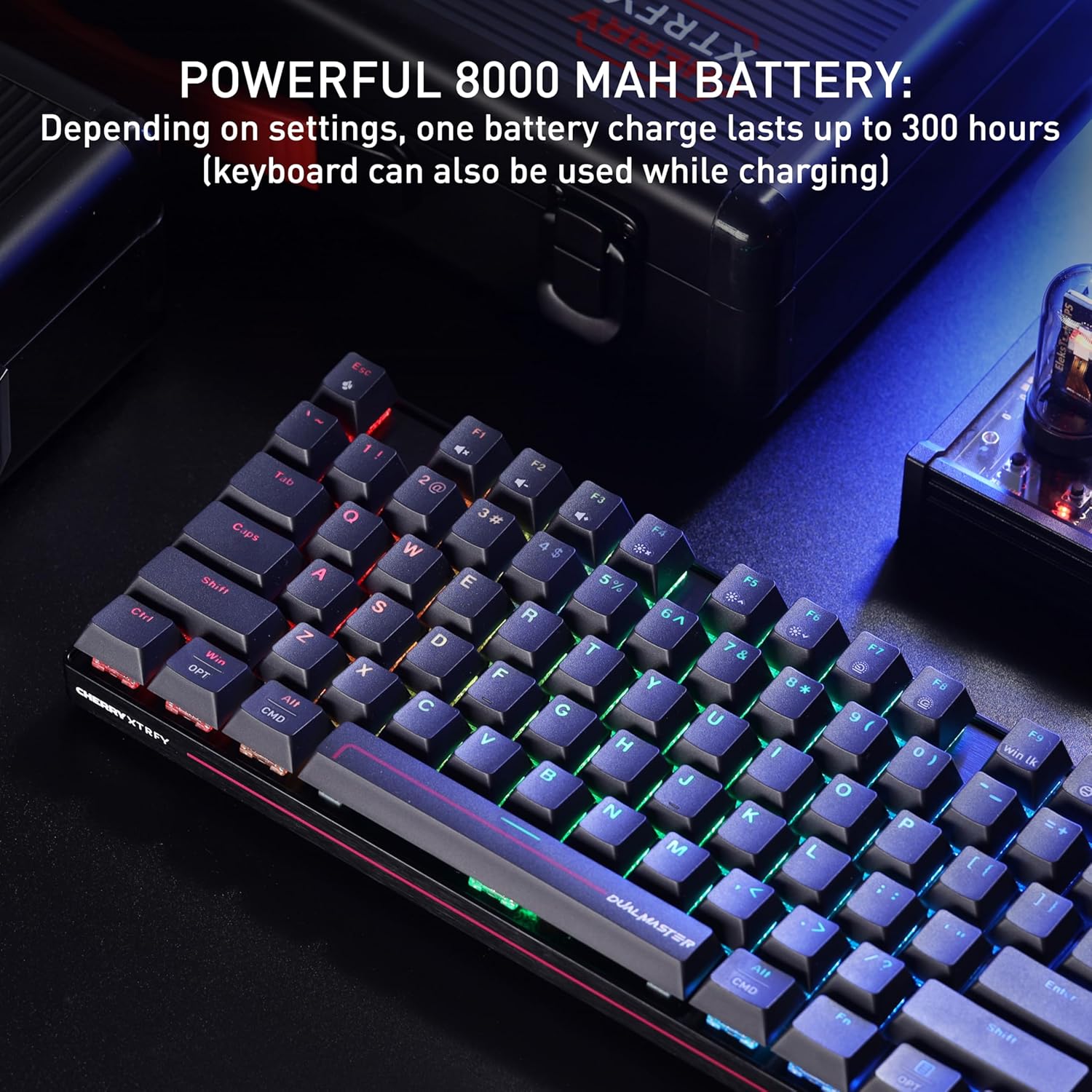
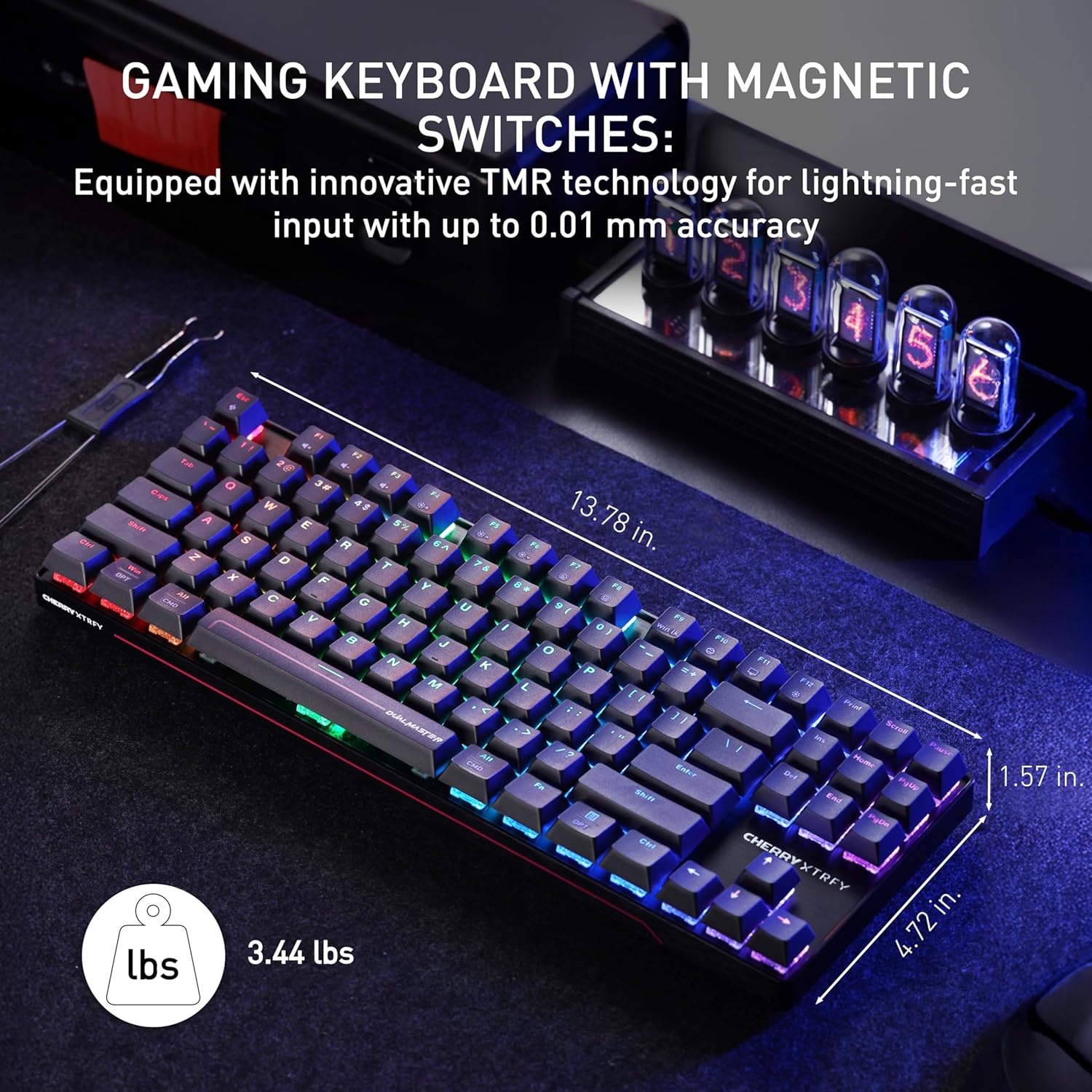


Product description


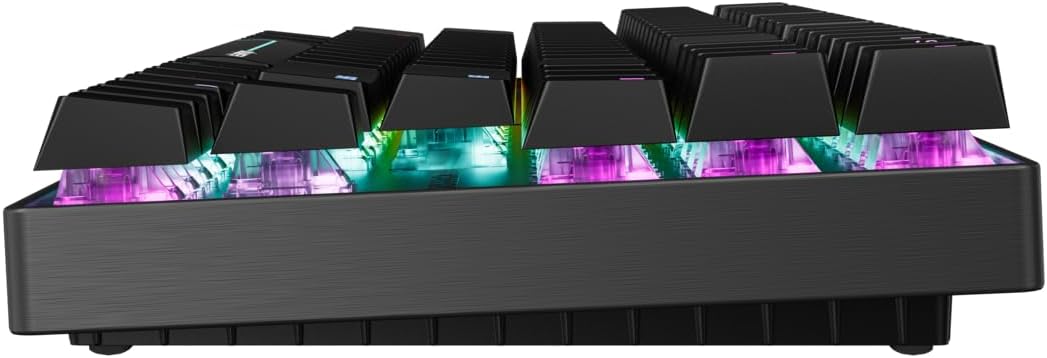
MX 8.2 PRO TMR. MORE THAN MAGNETIC. Ultra-fast wireless. Extreme magnetic precision. Hot-swap between magnetic and mechanical switches. Built for gaming, ready for work.
HOT-SWAP BETWEEN MAGNETIC AND MECHANICAL SWITCHES. DualMaster means no compromises. MX 8.2 Pro TMR supports both CHERRY MK magnetic and MX mechanical switches.
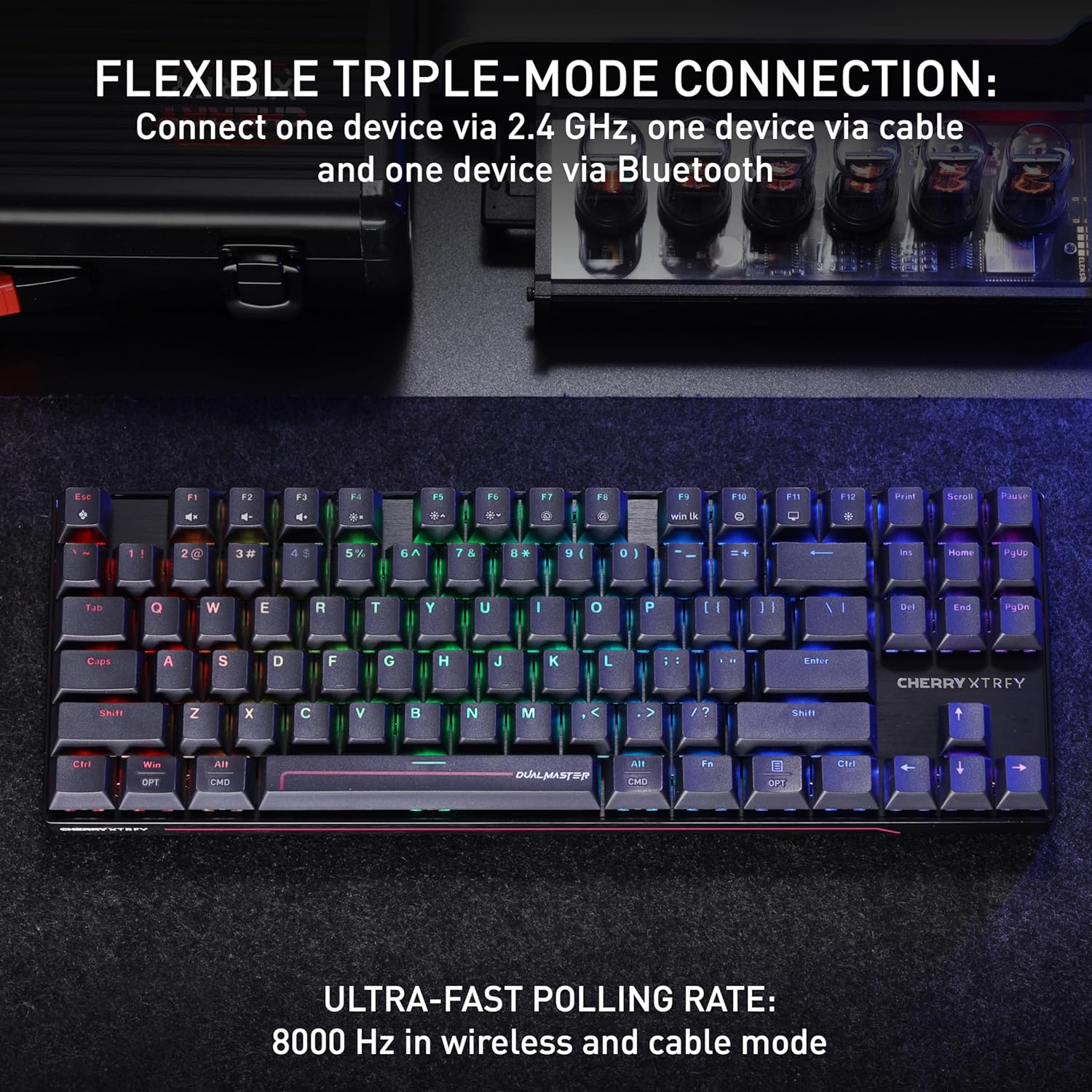
ULTRA-FAST 8K WIRELESS + WIRED CONNECTIVITY. MX 8.2 Pro TMR goes wireless thanks to TMR’s low-power efficiency. This keyboard supports USB, 2.4 GHz wireless and BT connections. A high-frequency master chip powers both wired and wireless modes at an 8000 Hz polling rate. Reporting up to 8 times every millisecond
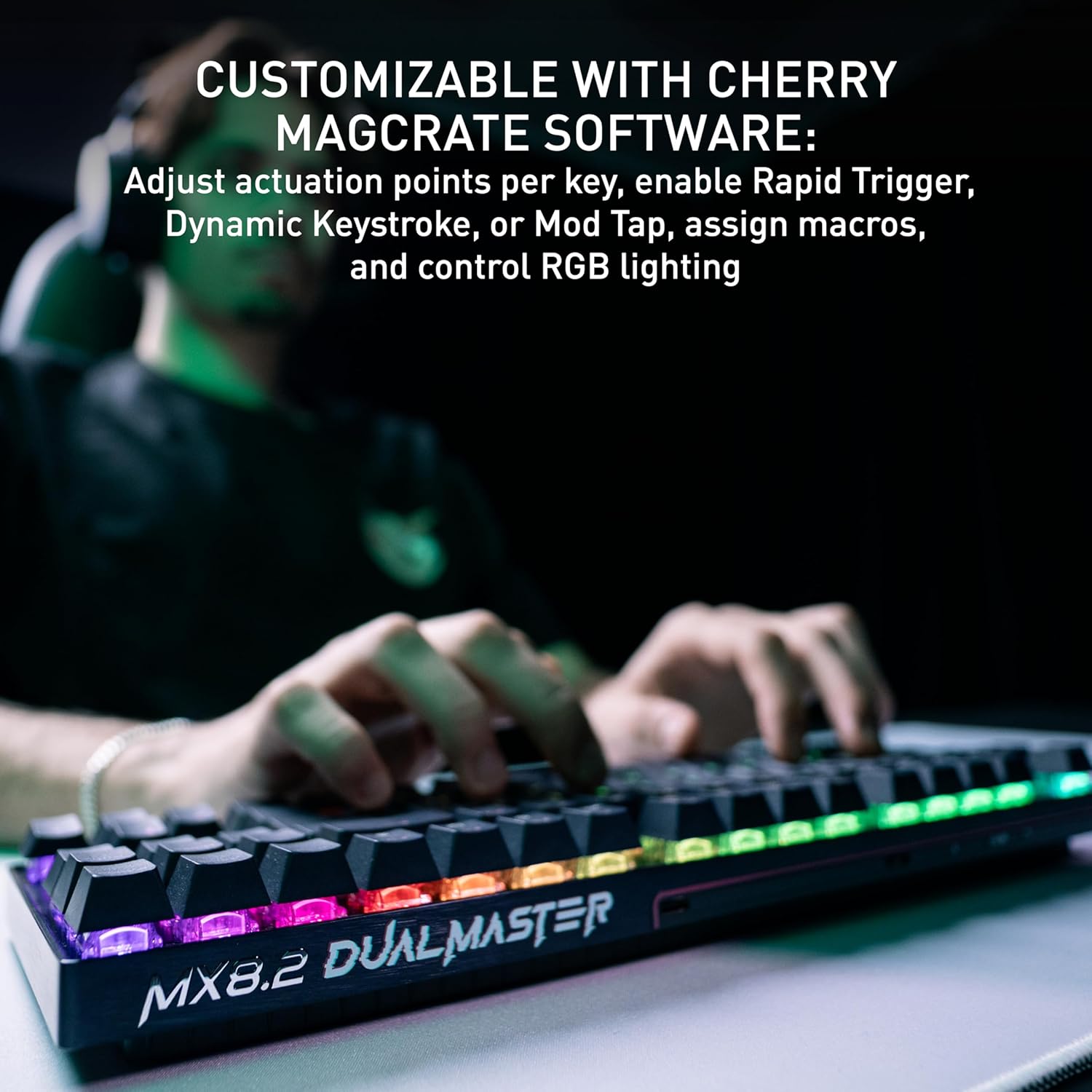
CUSTOMIZE EVERY KEYSTROKE WITH CHERRY MAGCRATE SOFTWARE. Take full control with CHERRY MagCrate. Adjust actuation points per key. Enable advanced features like RT, Dynamic Key travel (DKS), Mod Tap and SnapKey. Assign macros. Customize RGB lighting. And save it all onboard.
4 reviews for CHERRY XTRFY MX 8.2 Pro TMR Wireless | Magnetic Gaming Keyboard with TMR Technology | 8000Hz | Hot Swappable TKL RGB Mechanical






TheGammaWolf –
Endgame
It’s a good keyboard, coming from a wooting 60he. This is endgame stuff right here. Wireless TMR is better than hall effect. Only wish they had a web app and maybe 4mm of actuation like my wooting does instead of 3.3mm. But I guess 3.3mm is pretty normal for manufacturers.
CJ –
My first mechanical keyboard
After a day or two of use, I’m slowly getting used to typing on and using this keyboard for normal functions (media, etc.) after using a slim Mac keyboard for more than ten years. If you’re new to mechanical keyboards, this is definitely a departure in a few ways: clicky feedback from the keys as you type, RGB backlighting, and sometimes nonsensical software from Cherry used to configure macros, remap keys, etc.Typing on this keyboard is a relatively satisfying experience; again, while I am still getting used to the height of the XTRFY MX 8.2 Pro compared to my slim Apple Magic Keyboard, I don’t otherwise have too many issues with it. More below in the pros and cons.Pros:- RGB backlighting is easy to control within the free Cherry MagCrate app, which also allows a ton of other functionality I can’t even begin to understand, including key combos, actuation actions, etc.- This keyboard is hefty and feels super solid. It feels great to type on, whether you’re using the included rear risers or otherwise.- It feels premium – from the keycaps to the metal body, to the subtle design and sharpness of the keycap characters, this is built to last and last.- Backlighting on the black keys is fantastic. I know exactly what I’m typing in a bright or dark room, and the backlighting is adjustable to five levels, including off.Cons:- Mac users are again left by the wayside a bit – the keys are mapped to Windows, so media functions like volume are on F1-F3 instead of F10-F12.- Additionally, there is no way that I can figure to map Next, Play/Pause, and Previous media keys (Mac F7-F9) without a third-party app not made by Cherry. Very disappointing.- There are no extra Mac function keycaps, nor are there kits Cherry offers to switch the keycaps to a Mac-native look. Mac function keycap replacements are only available in full sets ($100+) or by custom sellers (in OEM profiles) for $60+, all external to Cherry.Neutrals:- I wish the Fn button was elsewhere on the keyboard, as I keep hitting it expecting to get Opt or Ctrl.- The spacebar, while easy enough to swap out, is branded with big “DualMaster” text, which I’m not personally a fan of.- It’s important to note that like many other MK’s I’ve seen, the uppermost characters on dual-labelled (e.g., F1 / volume mute) keys are illuminated, and the lower symbols or characters are not.Overall, this is a great keyboard, despite the price (which as of this review has already dropped 20%). Having not used another mechanical keyboard for a long time prior, I can’t say whether the magnetic switches are better than anything else using a Hall effect sensor, but I like it overall. I wish there were more keycap variants, but there’s a certain percentage of the market that already dominates custom caps, and I’d imagine Mac users are not a huge userbase anyway. If you’re looking for the next big technology leap in Mechs, perhaps TMR is it. Otherwise, if you’ve already got a keyboard you love this may not be worth the cost.
Kevin H. –
100% First-Class Typing Experience
If its eye-watering price wasn’t a already a clue, you know from the first time you open the CHERRY XTRFY’s box that you’re getting a first-class keyboard experience. The keyboard is neatly wrapped in protective XTRFY-branded paper; included in the box are a keycap puller and USB-A to USB-C cable, both also imprinted with molded CHERRY XTRFY logos.The most straightforward way to get started with this keyboard is to use the included cable, but connecting wirelessly was quick and easy, too; there’s a switch on the back for choosing between wired, Bluetooth wireless, and 2.4 GHz wireless. Using the 2.4 GHz option requires that you plug in a (small) special transceiver box into a USB port on your computer. You need to be connected via USB or 2.4 GHz to get the extra-special super-fast 8000 Hz polling rate.No matter which connection option I chose, this keyboard’s response was fast and flawless, with NKRO. I am an extremely casual gamer, but I am a fulltime touch typist, and I found this keyboard extremely pleasant to type on all day long. The “MK Crystal” magnetic switches have a light touch to activate; they’re not clicky, but are pleasantly thwocky, and quiet enough that you could use this keyboard in an office or other shared space without making yourself a pariah. I’m not ordinarily a fan of Cherry-style keycaps (I prefer a spherical profile), but these keycaps feel fine and were unbothersome as part of the whole typing experience. (If you find yourself *really* disturbed by either the keycaps or the switches, you can use the included puller to replace them with other MX-compatible options, but why would you, since the switches are why you’re buying this in the first place?)The keyboard has the usual RGB lightshow, with shinethrough keycaps and clear switch bodies to accentuate the experience. You can customize the lights — and do many, many other things, like remapping the keyboard, setting function keys and macros, or updating the firmware — with Cherry’s downloadable driver software. As a Mac user, I appreciate that their software for MacOS is complete and works well, unlike other keyboards where I’ve had to plug into a Windows machine to change settings.Really, the only reason why I’d think about taking stars off of this review is the price — but I can see that it’s already being discounted off of MSRP, and it is inline with a lot of other premium keyboards, for better or for worse. This is a very nice, very solid board that feels good under your fingers all day long.
Melissa Hughes –
Good for my 19 year old gaming, better for me working!
This keyboard is impressive right out of the box. The build quality feels solid, the keys are very responsive, and the overall design looks sleek and modern. The RGB lighting is vibrant but not overdone, and it’s easy to customize.I really like the wireless performance — the connection is stable with no noticeable lag, even during longer typing or gaming sessions. The Cherry switches feel smooth and consistent, with a satisfying keypress that’s comfortable for extended use.The layout is practical, the keycaps feel durable, and the keyboard strikes a great balance between performance and aesthetics. Whether you’re using it for work, gaming, or everyday typing, it performs really well.Overall, this is a high-quality mechanical keyboard that feels premium and works exactly as expected. Definitely a great option if you’re looking for a reliable wireless mechanical keyboard.