


StarTech.com USB-C Docking Station for MacBook Pro M1 M2 M3 M4 and Windows, 4K 60Hz HDMI Video, HDR10, USB 5Gbps Hub, 100W Laptop Charging, GbE
Original price was: $53.99.$42.99Current price is: $42.99.


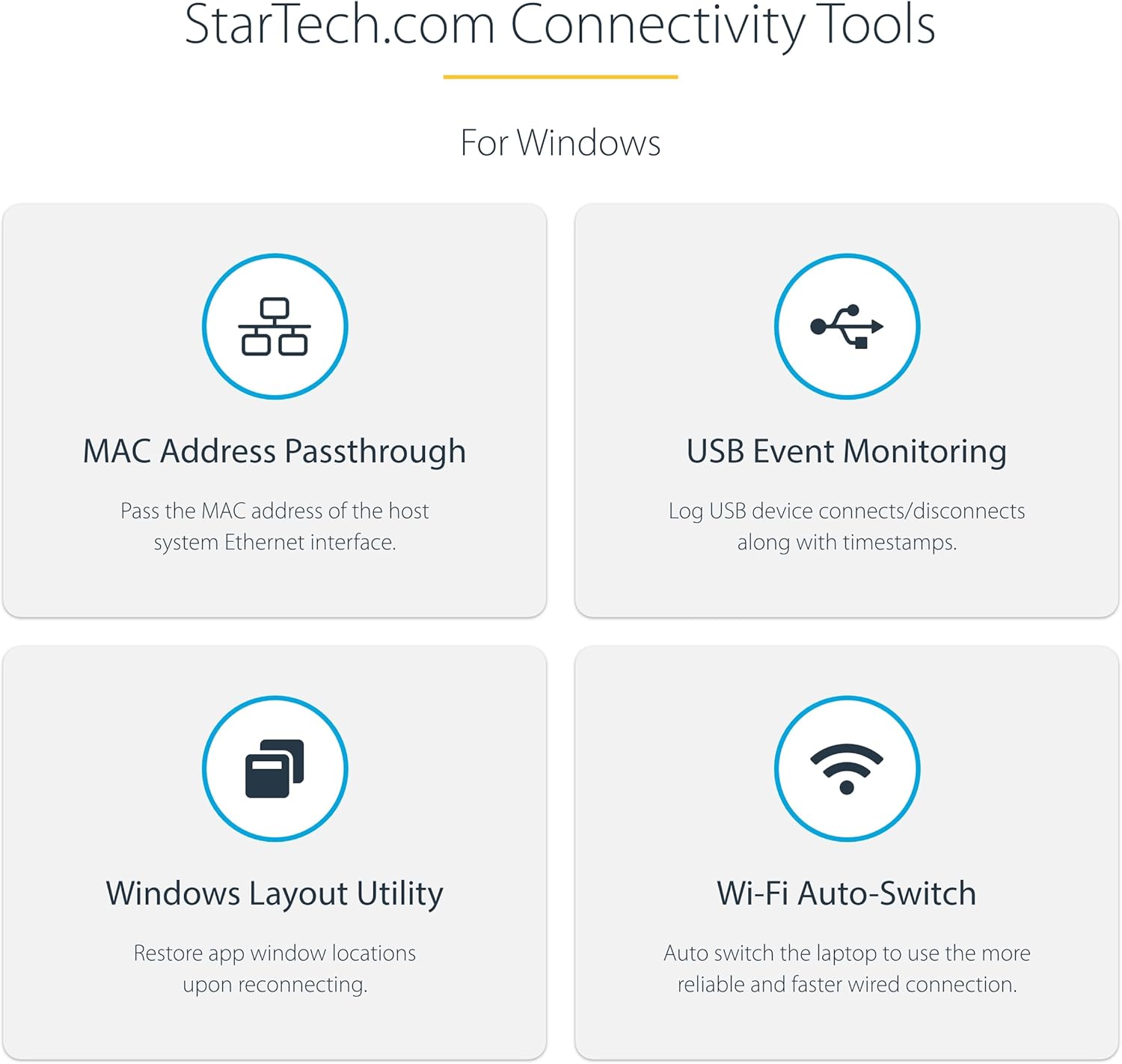

This Certified Works With Chromebook (WWCB) USB-C Multiport Adapter supports up to 4K 60Hz HDMI 2.0b (HDR10) via DP Alt Mode. The USB-C Mini Dock converts a Chromebook, Dell XPS, MacBook or other USB-C laptop or tablet into a workstation, anywhere you go. The USB Type-C Multiport Adapter features 1x HDMI video output, a 2-Port USB 3.2 Gen 1 (5 Gbps) Hub, and Gigabit Ethernet. The adapter connects to your host computer’s USB-C, USB4, or Thunderbolt 3/4 port. Charge your host laptop and any attached USB peripherals by connecting the host laptop’s power supply to the dedicated USB Power Delivery (PD) 3.0 port. The Multiport Adapter features an extra-long attached 12-inch (30 cm) host cable – for an extended reach, to offer more set up flexibility. This USB-C Multiport Adapter is tested and certified to meet Google’s Chromebook compatibility standards and ensures seamless operation with Chromebook devices, ideal for setup and deployment in Google Enterprise environments. Automatic firmware updates are available through ChromeOS for maximum security, compatibility, and performance. The USB-C to USB 3.2 Gen 1 hub features two downstream 5Gbps USB Type-A ports, for connecting USB peripherals. The Gigabit Ethernet port ensures reliable wired network access, with support for PXE Boot and WoL. A versatile dock solution for use at your office, home office, hotel, or in the boardroom, and is portable enough to be carried in your bag or backpack for mobile use. This lightweight USB-C Adapter can operate with bus-power alone, or use the dedicated USB-C Power Delivery port to connect a USB-C power adapter (not included with Multiport Adapter) for laptop charging. With support for USB Power Delivery 3.0 pass through (up to 100W), the USB Type-C Multiport Adapter allows you to power and charge your laptop, when connected to a USB-C power source. PD 3.0 features Fast Role Swap (FRS) to prevent USB data disruption when you switch power sources (USB-C power adapter to bus power). Enhance Productivity and Device Management with the Connectivity Tools Application. The software suite includes: Advanced Windows Layout Utility, MAC Address Pass-Through Utility, USB Event Monitoring Utility, and Wi-Fi Auto Switch Utility. This product is backed for 3-years by StarTech.com, including free lifetime 24/5 multi-lingual technical assistance.
5-IN-1 MULTIPORT ADAPTER: Portable USB-C travel docking station supports UHD 4K 60Hz HDMI 2.0b (HDR10) video via DP 1.4 Alt Mode for connecting monitor/display, 2-port USB-A hub (2x USB 3.2 Gen 1 5Gbps), 100W USB-C Power Delivery Pass-Through
RELIABLE PERFORMANCE: Port Replicator with 100W PD Pass-Through; 14W reserved for adapter (when using one or all ports) & up to 86W available for host laptop charging; Prevents device dropouts, video flickering, and/or power overdraw common in other hubs
USB PORTS WITH DEDICATED POWER: Two downstream USB-A ports support USB 3.2 Gen 1 (5Gbps) and with a USB-C power adapter connected, each port provides 4.5W (5V/0.9A) of dedicated power, ideal for connecting USB devices that require a consistent power draw
EXTRA-LONG CABLE: Extended port reach w/attached 12″” host cable, clip for cable management, automatic driver setup, weighted design to keep adapter more stable on work surface, ideal for office or work-from-home workstations & presenting from a boardroom
UNIVERSAL COMPATIBILITY: USB-C Hub/Dock supports Windows, macOS; WWCB certified for compatibility with all Chromebooks; Works with USB-C, TB3 & TB4 host computers; Auto firmware updates through ChromeOS for max performance, compatibility & security
4 reviews for StarTech.com USB-C Docking Station for MacBook Pro M1 M2 M3 M4 and Windows, 4K 60Hz HDMI Video, HDR10, USB 5Gbps Hub, 100W Laptop Charging, GbE


Nobody Home –
A nice small USB 5gbps hub
With a MacBook Air M2 running MacOS Sequoia 15.1, most everything works perfectly — USB ports, ethernet, charging, etc. This is a solid hub but limited to 5gbps USB (not the fastest available). I don’t extensively use its HDMI connection, but a brief test with my LG 4K TV shows that it works. Some devices like Blu-ray UHD readers don’t work correctly though and must be connected directly to the MacBook instead.Build quality is nice with a sturdy metal body. Ports on the hub itself are tight and hold well. However, the long USB-C connection wire to the MacBook is a bit loose and can fall out if tugged.
Santos –
Works with 2022 MacBook Pro M1
Bought to replace an older Startech dongle where the HDMI output wouldn’t stay connected. I can now use 2 monitors with no issues.
neal –
Works flawlessly with my Chromebooks. Excellent look and build quality.
Works flawlessly with my Chromebooks. Excellent look and build quality.
Leo Magellan –
a premium hub
this is a premium, plug-and-play usb-c hub (Ethernet (1), HDMI (1), USB-A (2), and a USB-C PD ports). The build/design quality is excellent (metal body and soft, reinforced cable).pairs perfectly with a MacBook Air or any computer that only supports one external display.