


Bluetooth Voice Remote Control for Smart TVs, Universal Voice Remote Control with USB Transmitter Infrared Learning Function Suitable for Computers Projectors Android TV Boxes
Original price was: $21.68.$19.99Current price is: $19.99.




Product description


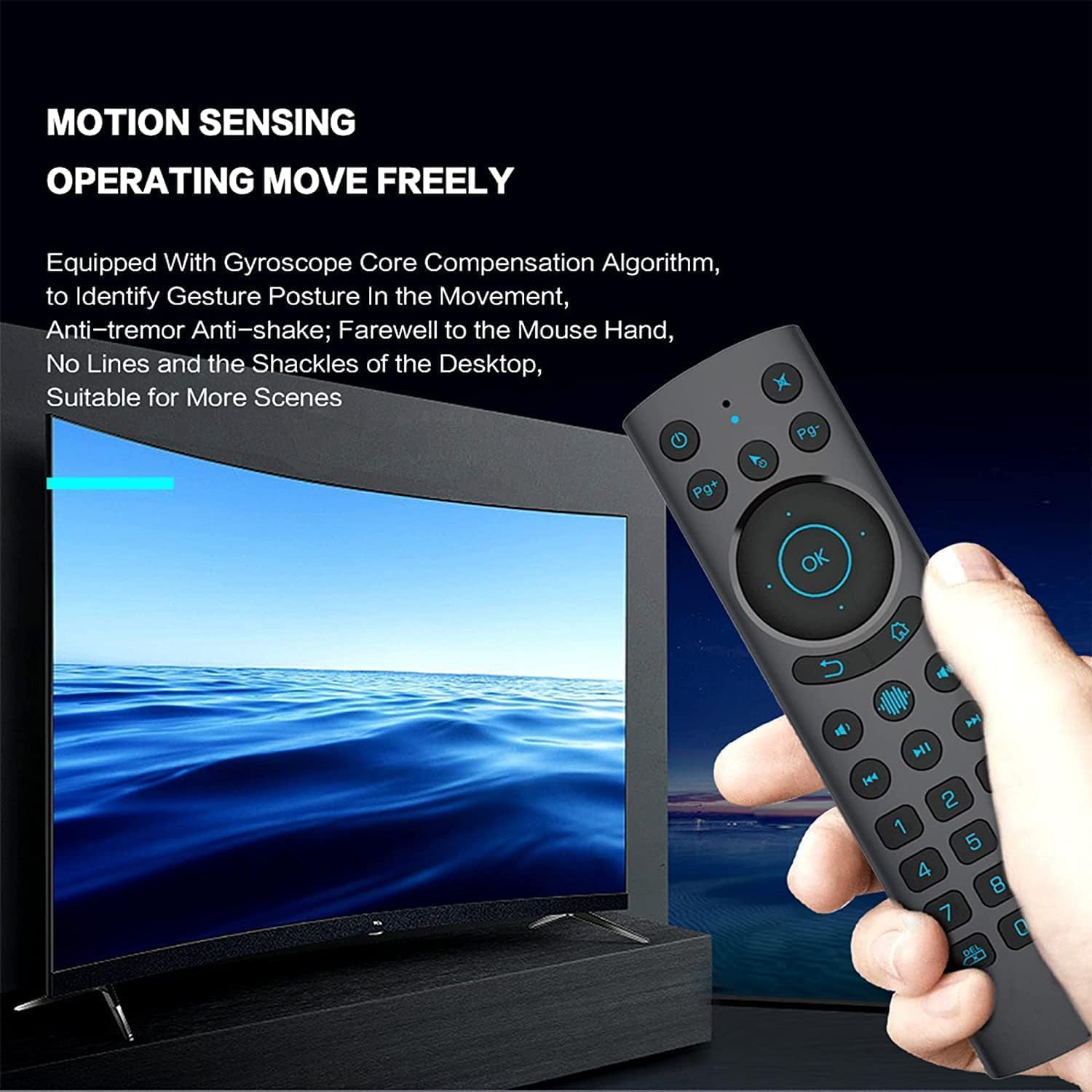
【Voice Control 】This voice remote has built-in Google Assistant (voice search) to let you control your Smart TV, Android TV Box and Mini PC hands-free. Launch shows, control volume, or check weather: “Play The Boys on Prime Video.
【Infrared Control】The remote has an infrared transmitter that allows wireless connection within a range of 50 feet (about 15 meters),(2xAAA batteries not included).
【ULTRA-BRIGHT BACKLIT KEYS】Our voice remote is backlit, so every button can be instantly found in the dark, allowing for seamless nighttime viewing.
【Widely Compatible】Applicable to Smart TVs , Android TV Boxes, Mini PCs, and HTPCs (NOT compatible with SONY, SAMSUNG, LG, Fire TV Stick, or Panasonic). Supported systems: Linux, Android 2.x, Android 4.x, Windows 2000, Windows Vista, Windows 7 32-bit, Windows 7 64-bit, Windows 8 32-bit, Windows 8 64-bit, and MAC OS X.
【Notice】Please note that the voice search function does not work like Alexa Voice Remote; it cannot be used via the app. It only works for the built-in voice input search box or apps.
8 reviews for Bluetooth Voice Remote Control for Smart TVs, Universal Voice Remote Control with USB Transmitter Infrared Learning Function Suitable for Computers Projectors Android TV Boxes


aneesa syed –
Very Easy to Use – it’s a Great Product!
I absolutely love this air mouse! I have a strange desk setup where I have two laptops on a shelf below my desk, and they’re both plugged into my giant monitor. One is for work and it has its own keyboard and mouse, the other is for goofing around. I have to kind of lean down to reach my goofing around laptop’s trackpad, and forget even using the keyboard (I’ve been using the Accessible on screen keyboard). The solution I was thinking of that I didn’t want to do was buy another external keyboard/mouse, which is frankly stupid.This air mouse is the perfect solution – the entire back has a full keyboard mini trackpad that both work really well. I can type on the air mouse, I can watch any streaming service, control volume, the mouse is really easy to use; I can do pretty much everything I need to do. It takes a Type-C charger which is great. I can see how someone would like this air mouse if they were presenting something too – I highly recommend it if you need a convenient keyboard/mouse setup. I’m on my way to buy another one for my room since I also watch “tv” on a similar setup in place of a SmartTV.
Manuel –
Best PC Remote
The last PC remote you will ever need. I love the fact the directionals and multimedia buttons are on the front and complete unlike other remotes that only have a few bottons. The back is also very useful for when typing and mouse usage is needed. 10/10 would purchase!
Avatar of Azathoth –
Works fine for remotely controlling a computer. Could use more documentation.
The reason I bought this remote was to control a laptop attached to my computer and it performed fine for this task. I would love to test the other functionality but the literature that came with it is very terse and only describes the very basics.
Anthony K. –
Good until it isn’t
BLUF: USB dongle doesn’t work with Nvidia Shield or Windows 11. Disconnects Bluetooth after powering off. Volume buttons through CEC (only option because they are not IR programmable) are slow when holding down the buttons, causing a major delay and volume goes too high or too low. Instructions are minimal, small, and hard to read.I wanted this for my Nvidia shield because I don’t like the triangle form fit of the remote it comes with. I needed something flat. I tried using the dongle and nothing happened, so I paired it with Bluetooth which did work. Unfortunately the only thing you can program with IR is the power button and the other top button that is normally used for mute. Why on earth would someone choose to design this without at least the ability to program the volume buttons? Since that wasn’t an option I used CEC for the volume control but it only works well if you keep clicking it. If you hold down the volume buttons it has a huge delay on the receiver so it is difficult to zero in on the volume you really want. With all of that, I felt I could still deal with it until I found out that after you turn your TV power off and the Nvidia Shield goes to sleep it loses connection. It will not turn the Nvidia shield back on and when you turn it back on with the other remote the G20s is no longer is connected but still shows in the settings. In addition, when it did not connect to the Nvidia Shield it also started changing my air filter settings through its default IR programming. The only positives are that the tactile feel of the button pushes feel nice and the backlight is bright enough. It also has a pretty solid feel to it and the build quality is good, but functionality is just horrid.Overall this thing is a hot mess.
Shipwreck026 –
Better than expected
I wasn’t really sure when I bought this remote if it would be worth my time or not. I cast video from my laptop to my projector on a regular basis so I wanted an easier way to control the action than fumbling around with a keyboard and mouse. This remote does a very good job of doing that. It’s a bit of a learning curve to get proficient at it but once you get the hang of it you’ll wonder how you ever got by without one. It also has a nice feel to it. It doesn’t feel cheap. Oh, and commenting on an earlier review, the instructions are difficult to read due to the atrocious English translation, but given a few reads you can eventually decipher the meaning.
Steph silvers. –
Terrible time getting the keyboard to engage when prompted
Absolutely junk. Mouse work fine but getting the keyboard to function is not worth the hassle. It works and then it stops. Back lighting flickers. I expected slightly better for the price when a $10 crap one works better.
Mverovoy –
Great android/windows remote
It’s nice that you could connect it through the blender for through Bluetooth
Calloway –
Worth the cost!
Great remote! Does work with Bluetooth and via 2.4 dongle. I’ve used it on multiple devices, and I’ve had no issues. Battery life is good, and it charges via USB C port.