


Homey Pro mini | Smart Home Hub for Home Automation – Features Zigbee, Ethernet, Matter & Thread. Compatible with Apple Siri, Amazon Alexa & Google Home.
$199.00



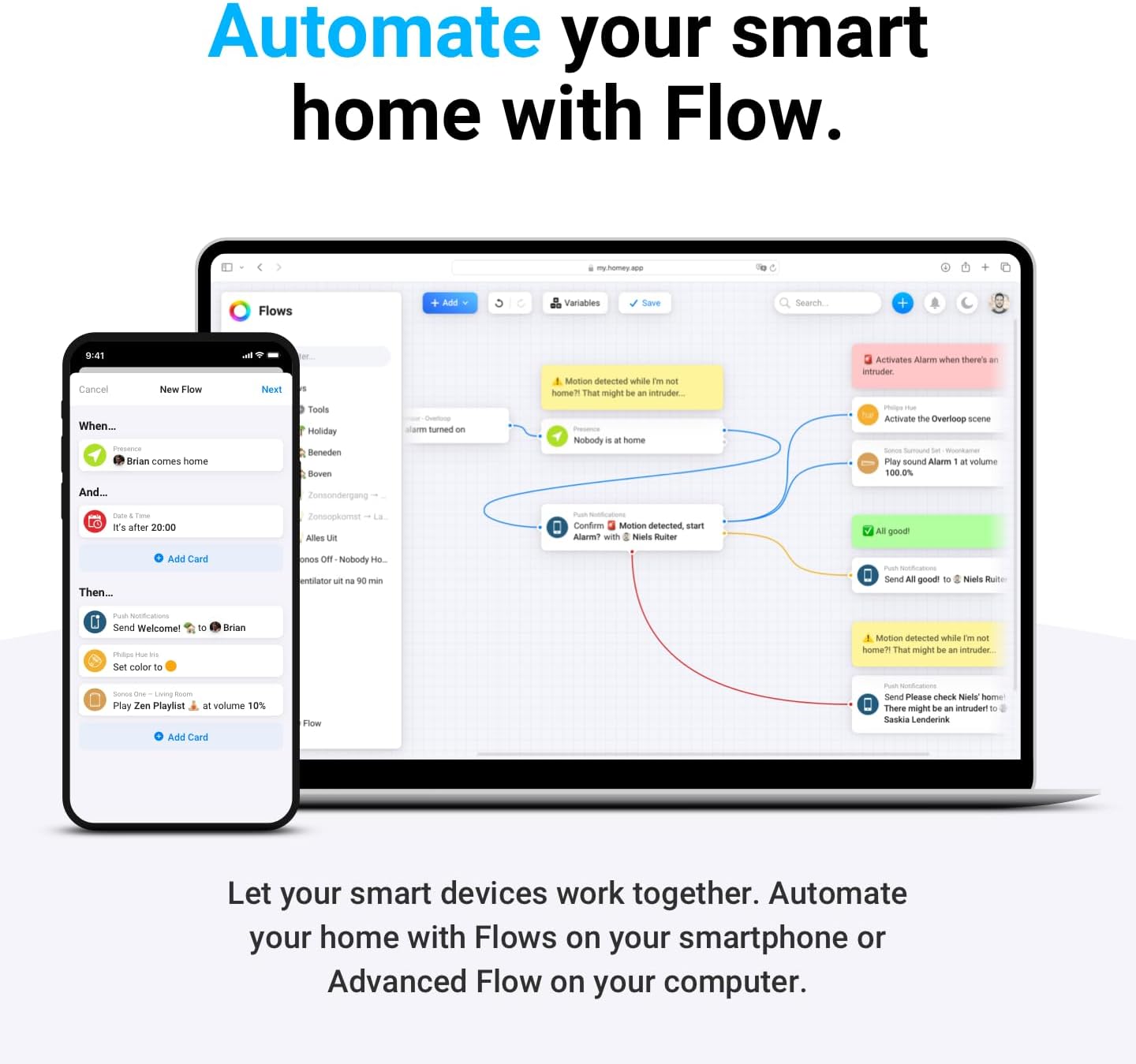

Unify your smart home devices with Homey Pro mini. Manage your entire home from anywhere in the world. Control and automate your devices, view real-time and historical energy usage and receive sensor alerts. Homey Pro mini has everything you want for your smart home. Advanced Flow, Energy, Dashboards, Insights — and much more.
EFFORTLESS & LOCAL SMART HOME CONTROL – Automate and manage all your smart devices from one place. Monitor energy usage, receive real-time alerts, and enjoy local data processing for enhanced privacy and reliability—even when the internet is down.
AUTOMATE YOUR LIFE WITH HOMEY FLOW – Create personalized routines using Homey Flow. Turn off all devices with one tap, play music when you get home, or build advanced workflows with the Homey desktop app for full customization.
WORKS WITH 1000+ BRANDS – Seamlessly integrates with popular smart home brands like Sonos, Philips Hue, Ecobee, LG, Yale, Govee, TP-Link, and more. Access an expanding library of official and community-developed Homey Apps. Visit the Homey website to explore the full list of supported brands.
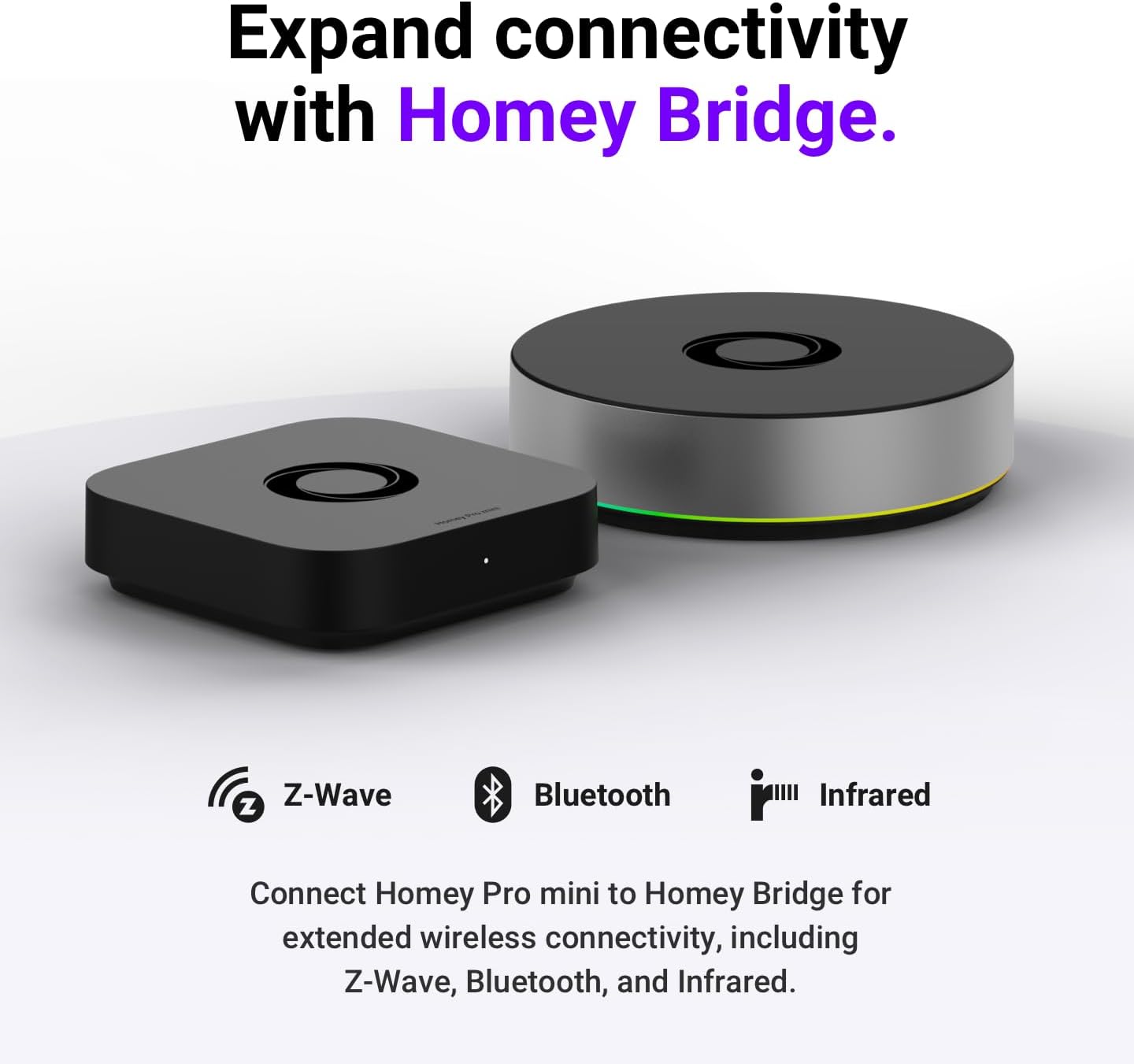
MULTI-PROTOCOL COMPATIBILITY – Supports Zigbee, Matter, Thread, and Ethernet out of the box. Add Homey Bridge (sold separately) to enable Z-Wave, Bluetooth, and Infrared, unlocking even more smart home device connections.
NO SUBSCRIPTION REQUIRED – Enjoy unlimited access to all Homey features, including cloud services like remote access, voice assistant integrations (Alexa, Google Assistant, Siri), and more — all without a monthly fee.
PRIVACY FIRST WITH SECURE BACKUPS – Back up your Homey locally or to the cloud to protect settings and automations—restore anytime with ease.
8 reviews for Homey Pro mini | Smart Home Hub for Home Automation – Features Zigbee, Ethernet, Matter & Thread. Compatible with Apple Siri, Amazon Alexa & Google Home.




Jeffrey –
Less fuss than Home Assistant while trading off some power and compatibility
An easy-to-use alternative to Home Assistant requiring considerably less fuss. While not quite as powerful or having as broad device compatibility, the simplicity of a box that automatically updates its software and backs up the user settings and automations is a pretty compelling trade-off for me. I find it easier to setup automations than with HA. No need to mess with a VM image or the slightly less refined Home Assistant Green box. It can also be used outside of your network without having to configure a VPN or open up a port on your router.I do wish it supported POE rather than having to connect it to a USB brick. That would allow for a simpler, less cluttered wiring, and more placement options – helpful as you may want to move it closer to your Zigbee devices.Also, it no longer supports the widely used TP-Link KASA HS200 switch after that switch’s latest firmware update (v1.0.3 Build 240723 Rel.192622 Hardware: 5.26). This is true of both the vendor’s TP-Link Kasa Smart app and the 3rd party TP-Link KASA LAN app. To its credit, HA works just fine with that firmware version.
w –
the power is in the flows and local network
The initial setup of this smart hub is probably the easiest thing since it’s just a matter of supplying it power and connecting the ethernet to the router. After some initial firmware updates, it’s ready to go via the phone app or the desktop web app at my.homey.app and setting up an account.As far as adding my existing smart devices to this hub goes, it installs some apps based on the brand of the smart devices and of course it needs to also be compatible with the communication protocol (there’s a separate hub that can also be linked to this to extend it to work with more communication protocols). I was able to add some things via just logging into my existing accounts with the various smart brands, but when I was going through that process, I ran into some authentication issues where the homey website was having issues. I ended up going to do something else for an hour before trying again, then it started to work again, so I guess there were some server issues. I assume that if I wasn’t re-pairing my devices directly to the hub, then it’s going through the internet to operate the devices. I may be wrong here, but I assume I would need to re-pair each and every smart device with the hub itself in order to have it work completely locally where if my internet didn’t work, all the devices would at least still operate via the hub.The speed when operating the devices are about the same as when using the smart devices apps or via alexa/google. The homey app does allow for what appears to be much more powerful workflow feature, they call flows, that lets you create routines that are more advanced and across all the devices that can connect to it. It’s similar to the alexa app’s routines, but again, much more advanced and visually appealing.I think the only other oddness about using a third-party smart home hub is that I would still need to use the original app in order the update the firmware of the devices. I think some newer communication protocols probably handle it, but older devices may not have that same luxury. And if it’s not paired with the original app, then I’m not sure it’s worth re-pairing to the original app, which I assume would then need to be re-paired back to the hub after. And if I had it in some workflow, wouldn’t it break until it is fixed? Of course, I could just leave it un-updated, but then it wouldn’t be updated with security fixes. Anyway, that was just something that I was thinking about with regard to that scenario, so I’m not sure how that whole scenario would actually play out.All in all, this smart hub is great if you want to go full local management of all smart devices, so the internet isn’t required. The workflows are also much more advanced. For me, while I have a lot of smart devices, I don’t really have too many smart device workflows. The 2 or 3 that I do have works fine inside alexa’s ecosystem, and alexa also already automatically finds all my devices, so as far as basic functionality goes, that has been good enough albeit requiring internet connectivity.
Gregg A Hayes –
Great, but inaccessible to blind users
This is an awesome product in many ways. It is a locally hosted piece of hardware that does not require communication with the cloud to control your home. It has great automations or workflows writing tools. Unfortunately, it has one issue for me. It is mostly inaccessible for blind users who use a screenreader. To navigate the app So, while I’d like to give it a five star rating, until they fix their Accessibility, I need to give it a 3.
Nerf corp –
worked great
it is a great product and I am glad there is a cheaper hub then the homey pro, they just need to work with the supported apps
dahrens1 –
This is what I was looking for
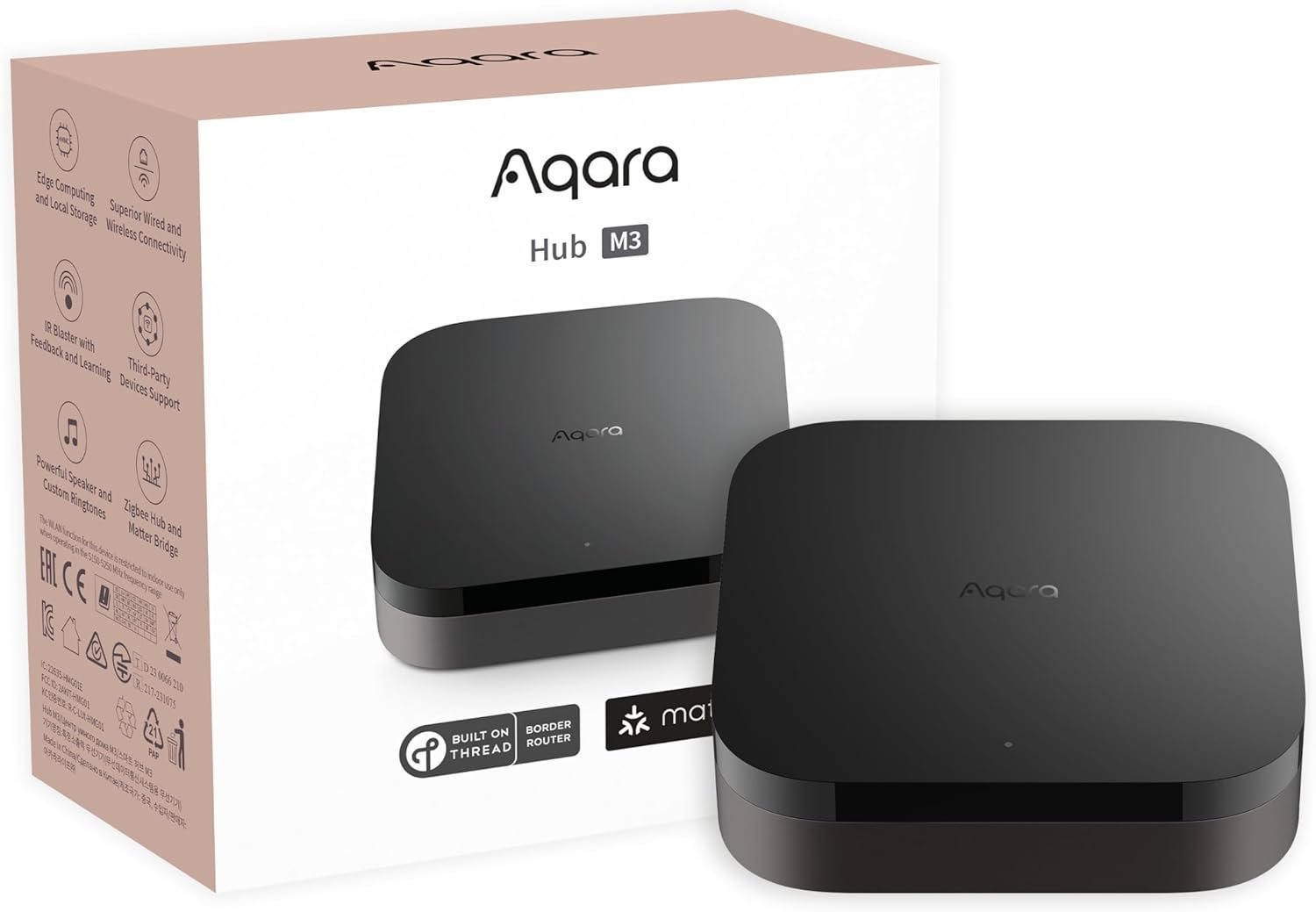
Home Assistant might be better but it can become a full time job trying to master it. I just wanted something that just works out of the box and is as intuitive as possible to set up and this is it. No regrets and I will repurpose my HA box for other things. All of my Hue lights are now directly connected to the Homey Pro Mini and the Hue hub/bridge has been unplugged. Next will be all my Aqara Zigbee sensors and then that hub will be shutdown.
Marks –
Simple to setup and use. Get started in 5-10 minutes.
Homey mini pro has a very straightforward setup of devices and you be can up and running in a very short time. Besides the account creation, the software system inside the device is ready to go and once you’re inside, you can just start adding devices. I’ve been using mostly for temperature and humidity sensors and also for remote on/off switches with power usage. Setting that up was 5 minutes of work.The design of the user interface and how to interact with the data is good and slightly different. I have experience with home assistant. In homey, you add the devices and then you have access to flow and insights from the data from the devices which gives me more information about the data recorded by the devices.This does require an Athom account to setup and use even though this is a local device. I expected just a simple web portal to manage the device but “homeyId”:null” message when I access the device and is just an API endpoint. So have to run it off my.homey.appAnother issue that I had was with my real time power metering device. In home assistant, it showed amp, wattage, voltage and total power usage but I didn’t see it in the homey. The wattage didn’t show decimals and only the insights section had energy and power usage which doesn’t update as frequently.Overall, this is a very easy and straightforward smart home hub to setup and use. However, compared to home assistant, it isn’t as flexible and powerful.
Amazon Customer –
Good
Good
Janett Sibindi –
I have not set up everything yet but I am very happy so far.