


Nest T3016US – Programmable Thermostat
Original price was: $249.00.$159.00Current price is: $159.00.
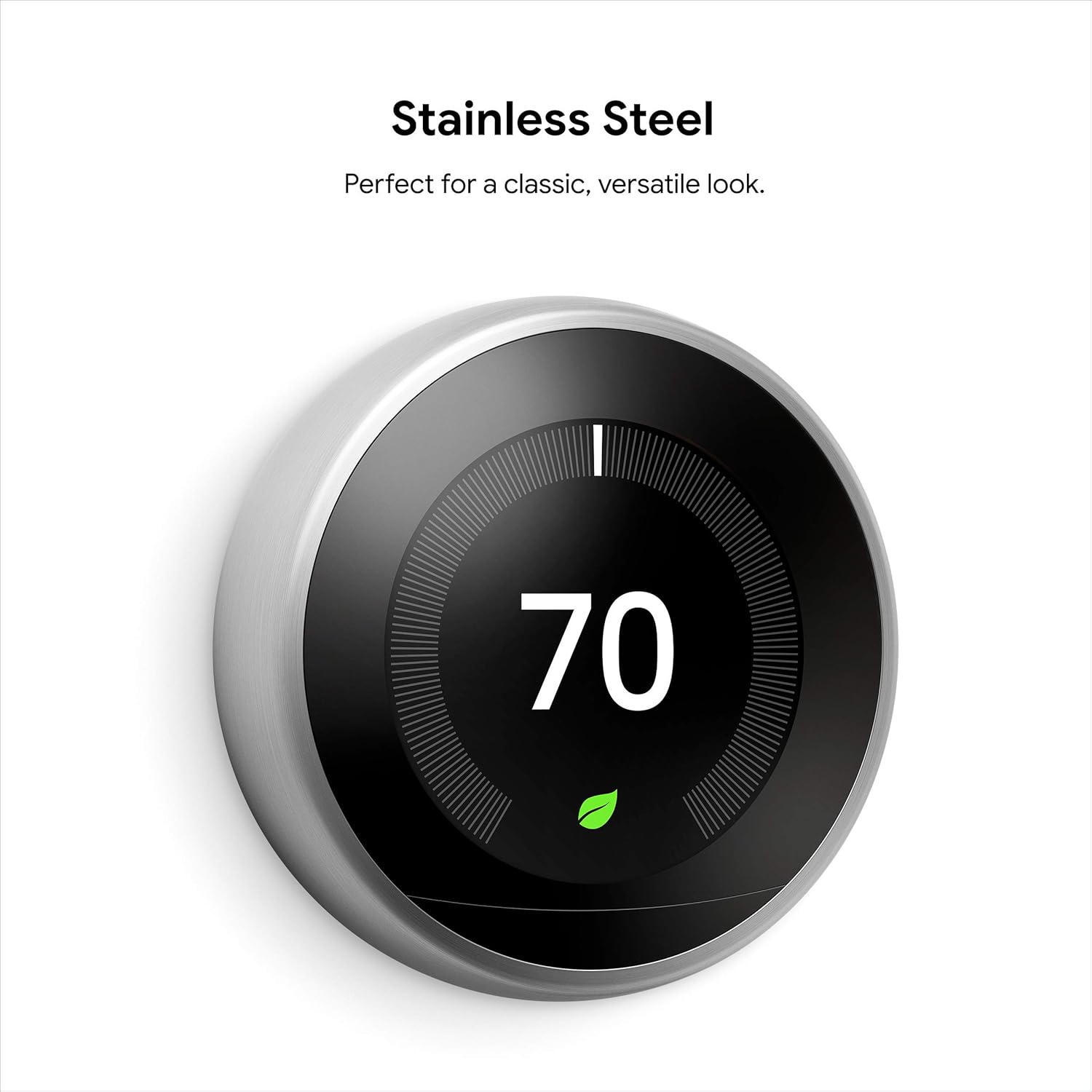
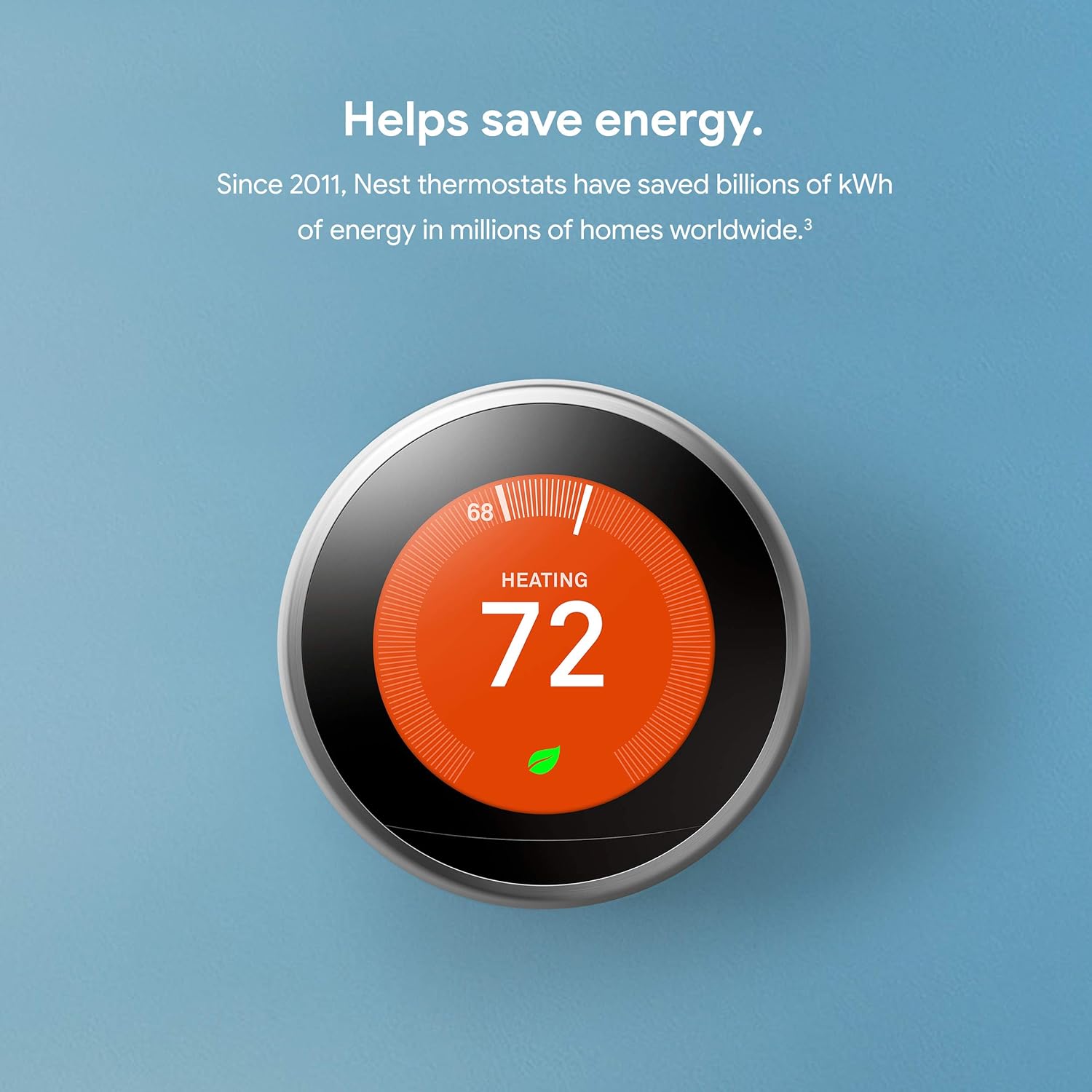



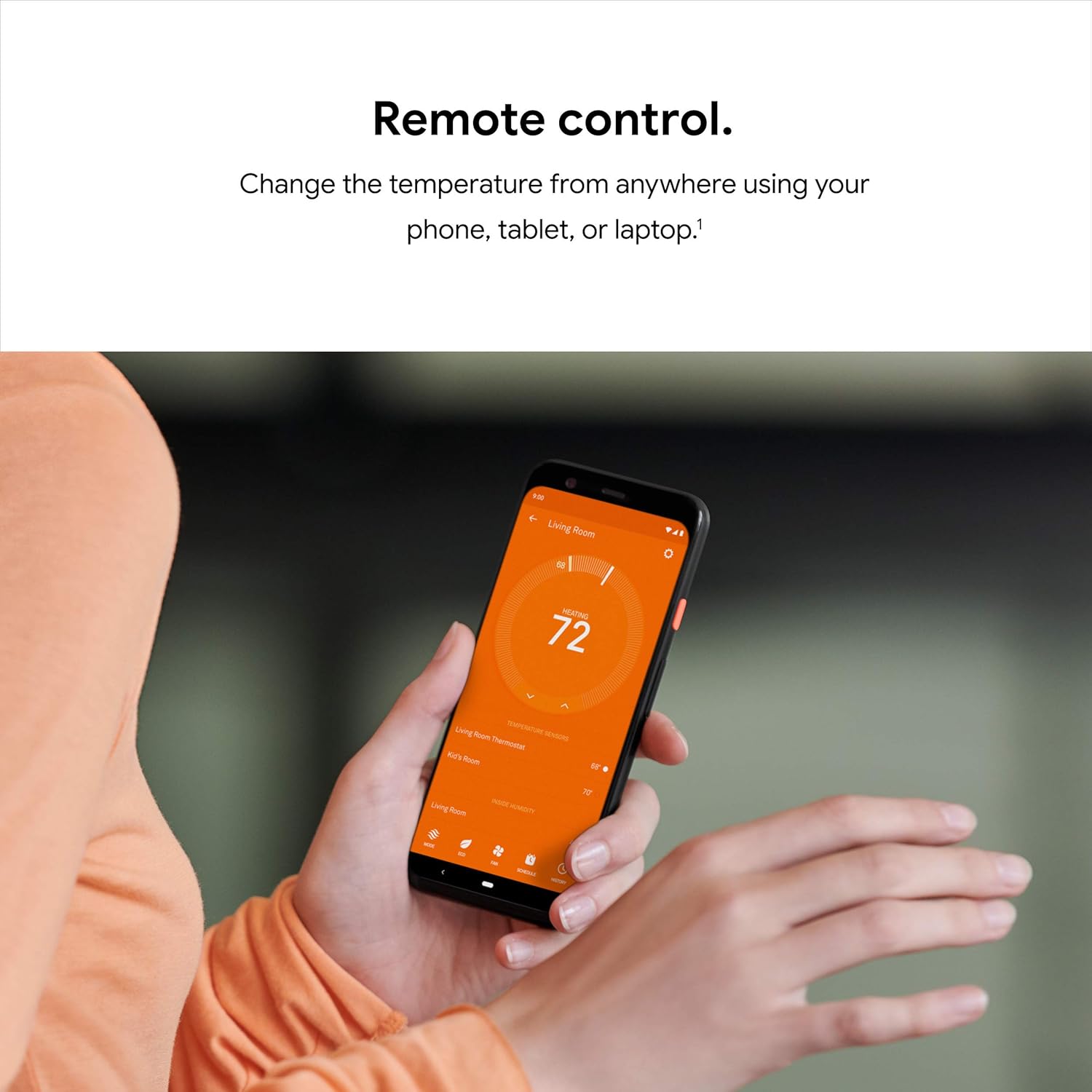


The Nest Learning Thermostat is a smart thermostat that learns your schedule and programs itself to help save energy. You can control it from anywhere with the Nest app, and it works with Alexa and Google Assistant so you can adjust the temperature with your voice. And it’s beautifully designed, with a big, bright display and metal finishes to suit any home’s style.
[1] Remote control and mobile notifications require working internet and Wi-Fi.
[2] Alerts can notify you of a potential issue with eligible HVAC systems. They’re meant to provide helpful information, not an endorsement, representation, or warranty of any kind about the health of your HVAC system. Alerts aren’t intended to replace a diagnosis by a qualified HVAC professional.
[3] Energy savings are not guaranteed and depend on energy usage, weather, and other factors.
[4] Voice control requires a compatible device, and working internet and Wi-Fi.
[5] Independent studies showed that Nest thermostats saved people an average of 10% to 12% on heating and 15% on cooling. Based on typical energy costs, we’ve estimated average savings of $131 to $145 a year. Individual savings are not guaranteed.
No more programming: With Auto-Schedule, the Google Nest Learning Thermostat learns from you and programs itself..Product note: You can also check your system’s compatibility before purchasing a Nest thermostat with our online Nest Compatibility Checker on the Google Nest support page
Home/Away Assist: don’t heat or cool an empty home. Home/Away Assist adjusts the temperature after you leave.
Remote control: Control your thermostat from anywhere using the Nest app.
Know more, save more Check your Energy History to see how much energy you use and why.
Look for the Leaf: The Nest Leaf appears when you choose a temperature that saves energy.
7 reviews for Nest T3016US – Programmable Thermostat




LPZ –
MUST BUY & PAYS FOR ITSELF
PURCHASE DATE: 27NOV15PURCHASE PRICE: $211.44COMED UTILITY COMPANY REBATE: $100.00After purchasing a new home and watching our utility bills rise for a while I vowed to change all of that in 2015. I began to purchase LED light bulbs as a start, new energy efficient appliances, and then September 2015 the Nest 3rd Generation was released which caught my attention. I asked my father in-law who had the Nest 2nd Generation for information and he had nothing negative to say about it so I was sold.After comparing it to other competitors I was hooked on this one due to the ease of installation, good reviews, and $100 electric company rebate (ask your local energy company).Do not be intimidated to install this on your own it’s not hard. The instructions it comes with and YouTube to be on the safe side did it for me. Before installing please make sure to shut your homes power panel breaker prior to uninstalling the old thermostat and installing the Nest (be safe). Take a picture of the way the wires were installed on your old thermostat prior to uninstalling. In doing so this will ensure that your connections are connected correctly. Test your wires one more time prior to uninstalling to make sure no power is running (avoid being shocked or damaging anything).I did not use/install the base-plate (pictures shown) because I wanted a modern, sleek, and clean look. The body and display (40% increase) of the 3rd generation is slightly larger then that of the 2nd generation. If you have children you can lock it so that a child touching it can not change or disrupt your temperature or any of your settings. The stainless steel dial is very smooth and allows you to navigate through the settings with ease.It takes the Nest a couple of days to remember what temperatures you like when you are home and at what times you are home. After a couple of days Nest will ask you if you want it to automatically go into Away Mode when it senses you are not home (you decide opt in or opt out – I opted in). I recommend opting in to Away Mode for better energy savings. You can control when you are home and when you are away during those few days or if you opt out of Away Mode then you control it all. Smartphone application is free and easy to use.The new Far-Sight feature is awesome and can catch me at approximately 10 feet away even in the dark. When Nest detects any motion it will illuminate with what the current temperature is. This is how it can tell if you are home or not and can automatically place itself in Away Mode for energy savings.Being able to control everything from the application on my smartphone itself is so awesome (fan, cooling/heating mode, humidity level, away/home mode, set a schedule, history, etc.). Nest will remind you when you should change your air filters on your furnace because it can base it upon how many times it turns on and off.Significant drop in energy consumption can be seen on my gas bill after month 1. Due to this my father purchased the item as well and has no complaints thus far.UPDATE: 15FEB17 Still own the item with no problems.If you are doing research and thinking of purchasing it – just do it! It is paying for itself in savings thus far. Highly recommended! (PICTURES ATTACHED) THANK YOU!
L. Lamb –
The reviewer who posted the top review stating “Will not display the current temperature!” is incorrect. It does display temps.
So the gentleman who posted the top review that says “Will not display the current temperature — by design!” is incorrect at worst and misleading at best.I just installed one of these and it will display the current temperature, it’s just not in huge numbers. When you walk up to the unit it will know you’re there, and display what you have the heat/cooling set to and then will switch to the mode that lets you see what the temperature is. The temperature will be noted with a hash mark/notch and a number. I’ve included a picture here to show what I’m talking about and the stock amazon photo shows the same thing. If you look at my picture you will see where my unit is set to heat at 66 degrees and cool at 74. In between those numbers is 72, which is the current temperature. I also included a picture where I turned the dial to go to cool to 71 degrees and the display still shows the current temp at 72. In Amazon’s stock picture the unit is set to heat up to 68 degrees and the current temperature is 65 degrees, as indicated on the upper left hand side of the picture. If you tap the unit it will pull up the main display screen which has the temp as well. Maybe the gentleman didn’t understand the differences here or he had an older firmware than what it uses now. Regardless, I don’t feel it’s fair to knock this unit for not displaying the temperature even though it does. It’s not in giant numbers, but it’s pretty easy to tell what the current temperature is if you take a moment and look. The current temp is on dispaly immediately if you’re looking at the unit.Now to the actual review. This unit was very easy to install, the big pain was getting my old thermostat off of the wall. Nest has a interactive website for the installation of this unit (nest.com/works) that makes it easy to figure out if your current wiring will support one of these newer thermostats. You log onto the Nest site and chose the wires that you have coming out of your thermostat and from there the Nest site will tell you if you can use the Nest thermostat with your current setup. I would suggest looking that up before you purchase this unit. Or if you too like to live dangerously, do what I did and pull up the site on your iPad after you’ve bought the unit.With that out of the way, the unit comes with a back plate that you will connect your wires to. Before you do this, turn off the power to your HVAC system. I like to live dangerously, but not THAT dangerously. Connect the wires to the back plate, attach the unit to the wall and flip your breaker. The unit will light up and guide you through a pretty easy set up. NOTE: You do have to have wifi to get this unit to work properly. If you do not have wifi do not bother purchasing this thermostat.The thing I like the most about this thermostat is I can set a threshold for heating and cooling. Every house I’ve lived in has always had thermostats that seemed like they were from the 1970s so I don’t know if this feature is normal on new thermostats, however this is a game changer for me. Where I live the temperatures can vary by 40 degrees each day and having a thermostat that will let me run the ac in the evening and then turn on the heat at 2 am when the temp drops is worth every penny. I literally have set the thermostat and left it alone since installing it.Some other cool features of this thermostat are that it keeps track of how much heating and cooling you do each day if you’re into metrics, and it has a feature called “Sunblock”. When you install the thermostat it asks you where you’re installing it (such as a bedroom, hallway, kitchen, etc) and if the unit is in direct sunlight. If it is the unit will use Sunblock, which uses the light sensors in the thermostat to determine when it’s under direct sunlight. This is used to learn the sun’s patterns in relation to your house the temperature sensors to detect the heat spikes that occur in direct sunlight. It then links to your wifi and knows when the sun rises and sets in your area. Sunblock will use that information to set the correct temperature whenever it’s in direct sunlight and not waste energy. Again, this is a game changer. My previous house had a thermostat that was near direct sunlight and close to a computer so it would run the AC when it wasn’t needed, and jack up our electrical bills.There’s an app as well that lets you control the temperature if you’re lazy and don’t want to get up, and to set the temp in the house while you’re away.Overall I think this is a really cool product, and if the features I’ve mentioned are something you’d be interested in then I think it’s worth the money. It’s especially worth it if your power company has a rebate for purchasing one of these units. That can bring the cost down $50-$100 dollars.
Marta P. C. –
La instalación no es tan sencilla como el que tiene solo calefacción, de hecho me tuvieron que ayudar amigos . Este modelo es el internacional, que ademas de la calefaccion tiene aa. En españa todavia esta de manera masiva, asi que me decidi por este. Al final encontramos unas guías por internet de instalacion. Quitando esto, en si con el producto estoy encantada. Es estético y sobretodo me permite ahorrar un dispositivo y creedme controlar aa y calefaccion no tiene precio. Yo al menos, lo recomiendo
Sam Alley –
No doubt Google is one of the best, super easy to install and works great
stephen baker –
East to install and works fantastic.
Nessim –
Es tal cual lo describen el único problema es q tardo mucho tiempo en llegar
P. Cho –
I don’t really need something like this as it is more of a luxury item. However, all new homes have it and I wanted to spoil my house.We have a heat only system with gas boiler and in floor radiant heat that takes a long time to warm up the house. This is probably the worst system to be a candidate for the NEST but I did it anyways to up the cool factor of the homeThe bad thing is that you need a nest to control each valve. We have 3 zone valves here so things can get pricey really quick if u replace all 3 thermostats.Good news is that install was a piece of cake. I only had 2 wires to connect and no C wire. Works like a charm and thermostat automatically charges up and stays charged. Hadn’t had issues with wifi or anything