
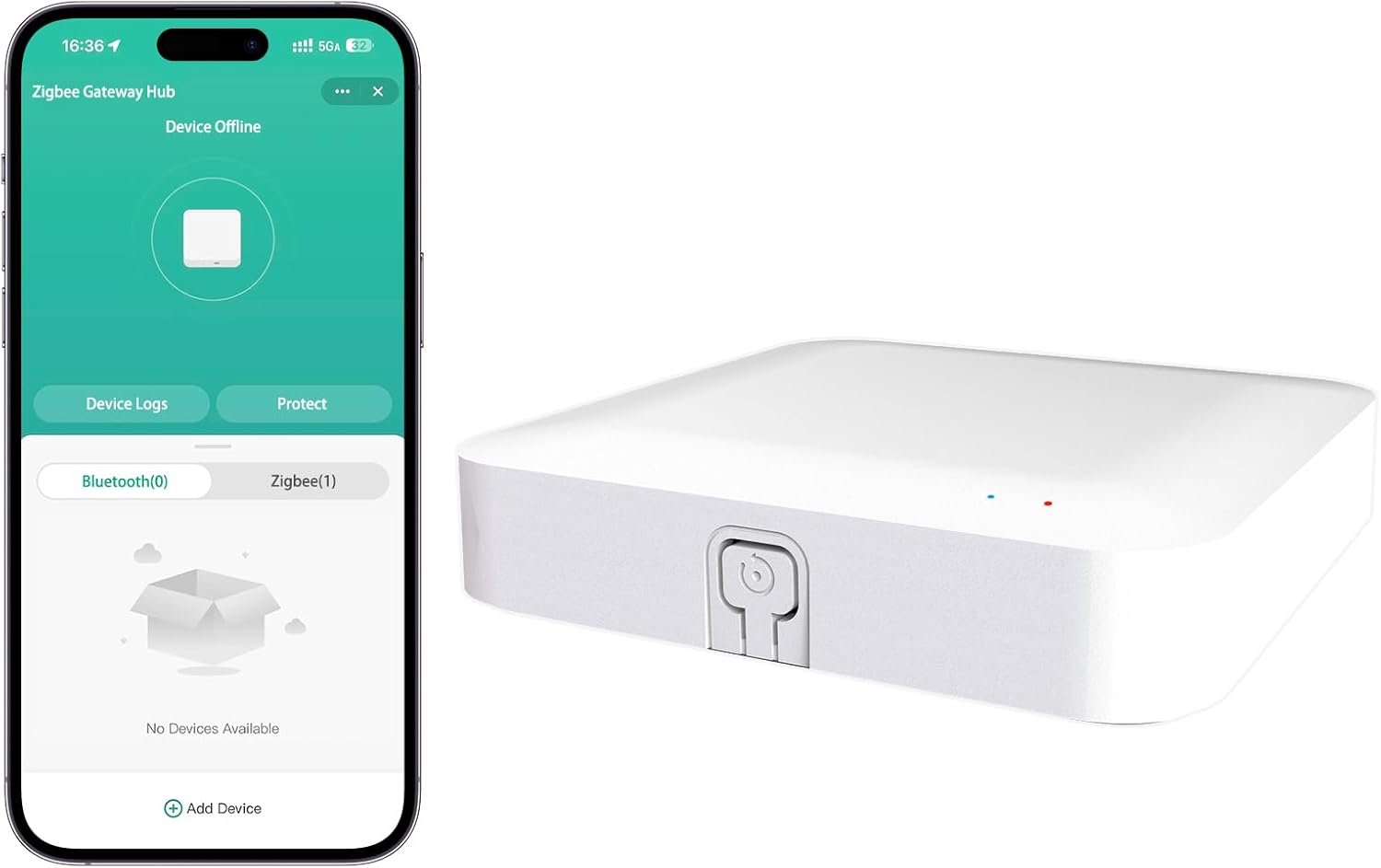


Tuya ZigBee 3.0 Hub/Wired Gateway, WiFi Smart Home Bridge Remote Controller,Work with Tuya ZigBee Smart Device, White
$29.99



Product description


What is this Tuya Zigbee Gateway, and what does it do?
Tuya Zigbee Gateway (Tuya Zigbee Hub ) is a central communication bridge. It connects Tuya-enabled Zigbee devices to your home network via Wi-Fi.Enable remote control and automation of these devices through the Smart Life app anytime, anywhere.
Is this gateway compatible with all Zigbee devices?
This gateway is tailored for the Tuya Zigbee ecosystem. It’s fully compatible with Tuya-platform Zigbee devices using the Smart Life/Tuya Smart app. It won’t work with Zigbee devices from other ecosystems like other need with own hub.
How do I connect this gateway? Does it use an Ethernet cable?
Tuya Zigbee Gateway has no Ethernet port and doesn’t support wired connection. It powers via Type-C (included) and connects wirelessly to 2.4GHz home Wi-Fi during setup. Plug into a USB power adapter (not included) and follow in-app setup.
How many Zigbee devices can this gateway support?
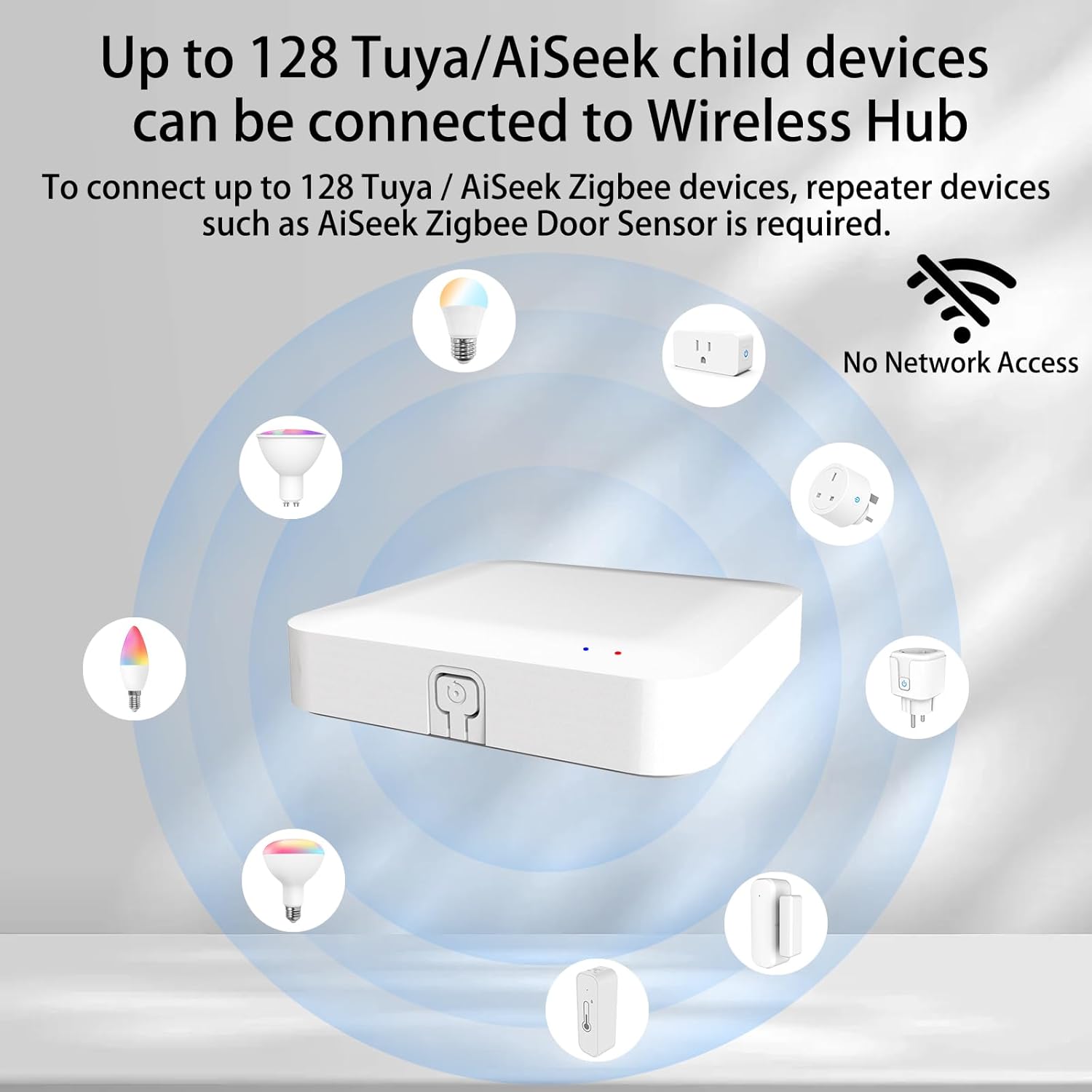
This gateway typically supports connecting to 128 of Zigbee devices. For a specific number, please refer to the product specifications. It is sufficient for building a comprehensive Zigbee sensor network for a typical home.
What should I do about after-sales issues?
1, Contact the seller directly through the Amazon order
2, Email to the after-sales email address on the box, state the problem and Amazon order number
【Dual Mode Gateway Hub】NOTE: The ZigBee Hub isn’t compatible with Blind, Sengled Bulb and Door Lock. It’s a ZigBee and Bluetooth dual mode gateway hub. With ZigBee 3.0 and Bluetooth 5.0, you can use it to connect most of the ZigBee and Bluetooth smart devices. NOTE: The ZigBee Hub is only compatible with Tuya Smart devices, It means your smart devices is compatible with Smart Life App or Tuya Smart Life App. Please confirm it before purchase.
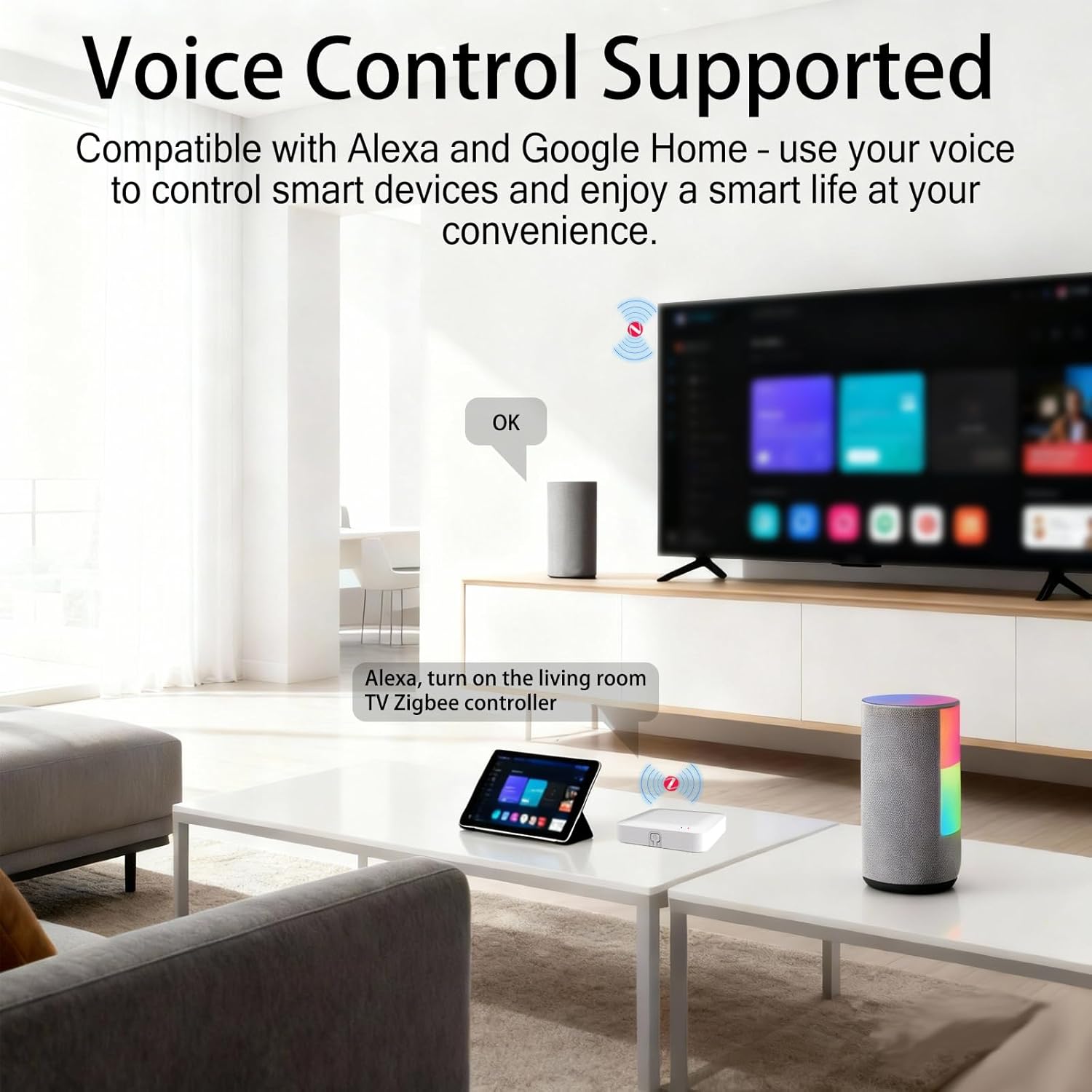
【APP Remote Control】The wireless smart hub is compatible with Smart Life and Tuya Smart App. When it connects with your 2.4GHz WiFi, you can control your smart devices anywhere and anytime you want.
【Easy To Set Up】You can connect the ZigBee Hub with the video. No need to connect to network cable, just need insert the smart gateway hub cable into power and connect it with the Smart Life app. Within few second pairing, you can add your home bluetooth and zigbee devices and enjoy smart home automation.
【Stable and Reliable Connection】The Smart ZigBee gateway connection works stably, with wide coverage, strong reception signal, low power consumption, and the Type-C can keep working when it is powered on.
【Which kind of Products Can be Connected】The dual mode ZigBee and Bluetooth gateway is only compatible with those sub-devices who use Tuya protocols. The ZigBee gateway is not compatible with any other products who use other platform protocols! Please make sure your devices is compatible with Tuya protocols first.
6 reviews for Tuya ZigBee 3.0 Hub/Wired Gateway, WiFi Smart Home Bridge Remote Controller,Work with Tuya ZigBee Smart Device, White






Leslie Hand of RI –
If you have Zigbee, Tuya, and SmartLife this simple box makes your life easier
As a property manager who has plugged in more smart home hubs than I care to admit, this Tuya ZigBee 3.0 Hub was a pleasant surprise. It is small, white, and unassuming, which is exactly what you want from the brain of your smart home. No flashing lights screaming for attention, just quietly doing its job like a well trained assistant who never asks for a raise. There’s honestly not much to it, it’s definitely uncomplicated.Setup was straightforward and painless. I plugged it in, connected it to WiFi, and it immediately started playing nice with my Tuya / ZigBee devices. Sensors, switches, and other smart gadgets paired quickly and stayed connected without throwing random tantrums. That alone puts it ahead of a lot of “smart” devices that seem to forget what their job is every few days.Performance has been solid. Automations trigger reliably, devices respond quickly, and I have not had to reboot it every week like it is running on pure spite. It just works in the background, which is the highest compliment I can give any smart home hub.Overall, this Tuya / ZigBee hub is a dependable little workhorse. It does not try to be flashy or overcomplicated. It just connects your devices, keeps them talking, and lets you feel smarter than your house. For the price, it is a great addition to any smart home setup, whether you are managing properties or just trying to impress yourself by turning lights on with your phone.
Amazon Customer –
Tiny, Easy to Set Up ZigBee Hub but no Ethernet Port
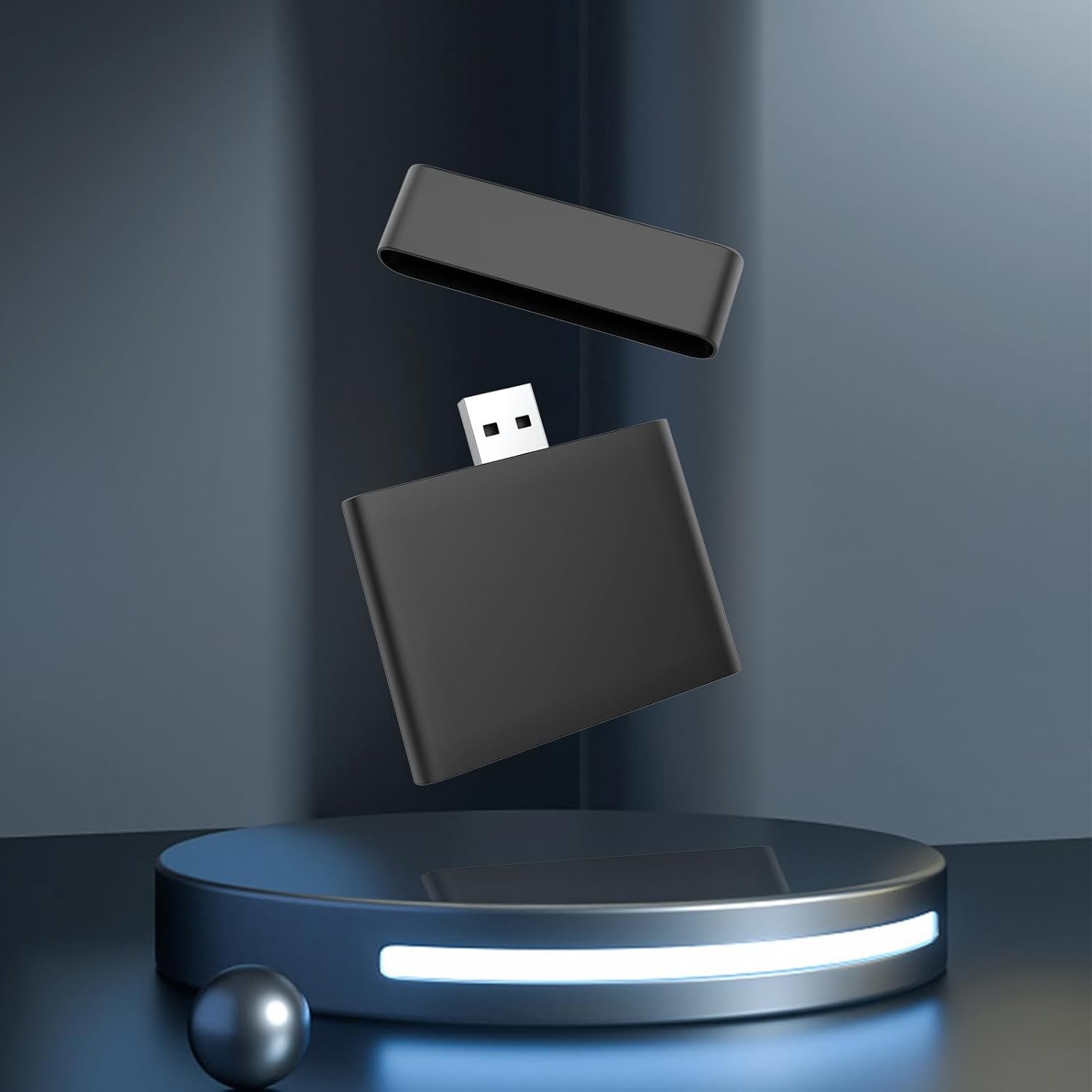
The AiSeek Tuya ZigBee 3.0 Hub was very easy to install, and I was pleasantly surprised by how small it is. At roughly 2.25 inches, it is much smaller than it appears in the product images, which made me expect something closer to the size of a home router. Its compact size makes it easy to place just about anywhere.One point of confusion is that it is described as “wired,” yet there is no Ethernet port. It connects strictly over 2.4 GHz WiFi, which worked immediately and without any issues. The hub connected to my network right away and had no trouble discovering devices. Did not even have to enter the WiFi password as it picked it up from my phones connection.A big plus for me is that it uses the SmartLife app. We already have several devices using this app, so it is great not having to install yet another app just to manage one more device.I’m looking forward to adding more ZigBee devices, especially since they can help extend the network through mesh support. Overall, this is a small, simple, and convenient ZigBee hub.
S. Morrissey –
Functional, stable zigbee hub
I ordered this zigbee hub to extend some of my smart home devices into my garage and was quite shocked at how lightweight and compact this device is. It doesn’t come with a wall power adapter but uses a standard USB-A to USB-C cable (included) so it doesn’t take much to get this going. Once plugging it in the device came right up within 30 seconds.After that the device was easy to setup in the app and get paired with zigbee devices and my IOT-specific 2.4GHz wifi network. the process was seamless and mirroed most all of the other zigbee hubs I’ve used. I didn’t notice any questionable or suspect network traffic coming off this device which is always a concern with low cost devices on your wifi network.Functionality wise the app is feature complete and the hub has excellent connectivity. I’ve got no complaint so far, it works exactly as I’d expect without any fuss.
Michael –
Anoying to connect to the app, ok after that
The other reviews are correct about how much of a struggle it is to set this thing up. I even tried a 2.4ghz only network, no mixed bands, etc., and it still refused to set up. I’m not sure what made it connect all of a sudden, but around the 6th or so restart, it connected. Once you get past the initial configuration, the functionality is nice. I like having the ability to control my Bluetooth Tuya devices from this.An important thing to keep in mind is how small the instructions are. It is fine for the text, but they included screenshots on what to do in them in a 4-per-page view. The instruction pages are a 2-inch by 2-inch square. This means that you are trying to look at a screenshot that is roughly 0.5 inches tall… The text seems good enough to configure this, but when it isn’t connecting for the 3rd and 4th time, you start trying to look at the pictures to see if maybe they typed the wrong thing.
Amzon Shopper –
I tried my best, but I give up.
Well, I wasted probably a couple of hours of my weekend I won’t get back. It simply won’t pair. I paired what seems to be countless items to my network, it’s not hard.The app finds the hub but won’t complete the installation. I tried my network, the guest network, adjusted the encryption, adjusted the MAC settings, checked to see if it’s a full moon, etc.. Nope, no luck. Full stop. I’ve never spent so much time pairing a device to no avail.To make matters worse, the instructions use a font that I literally had to take a high res picture so I could zoom in to read the text. I Initially used two pairs of reading glasses, but that magnification still wasn’t enough.
Diamond Shockley –
Great product, highly recommended!
This product really surprised me! It’s tiny enough to hide anywhere you like. It also uses Type‑C power, which is far more compatible with different chargers—this isn’t common, since it usually means higher manufacturing costs.One quick note: you’ll need a 2.4GHz network to connect this hub, and setup is really simple. I’m ready to enjoy my smart home life!